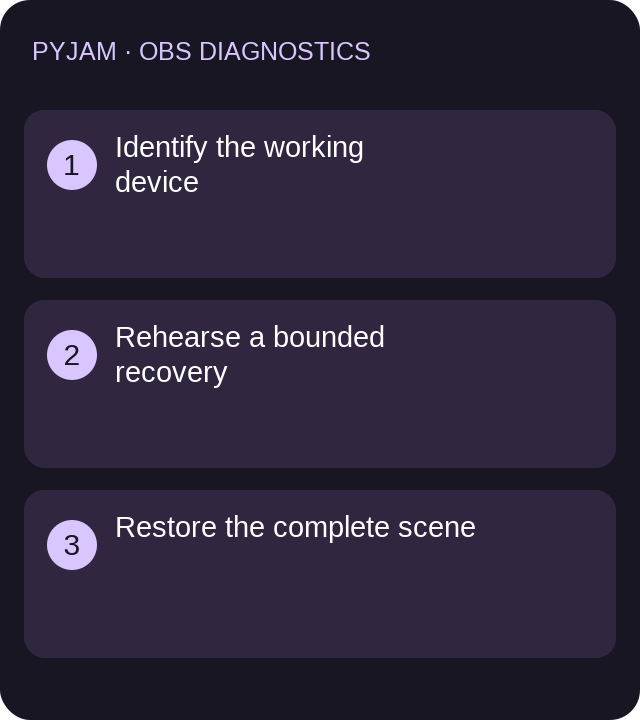
Identify the working device
Record the intended camera's visible name, source relationship and current picture. Keep a simple non-camera scene available for the rehearsal. OBS video capture sources use selected capture devices; after a connection change, inspect the current selection instead of assuming the earlier device name still refers to a usable input. Keep the equipment manufacturer's handling instructions in view when disconnecting hardware.
Rehearse a bounded recovery
During a local test, move to the fallback, make the planned connection change appropriately and inspect the source again. Follow the controls actually available for selecting or reactivating the intended device. Do not repeatedly unplug equipment without checking its state. Record the first point at which a current picture returns and verify it by making a new movement that cannot be confused with a frozen frame.
Restore the complete scene
Return to the demonstration view and inspect framing, intended audio and overlays. A recovered picture may have a different composition or source setting. Perform the opening action again and check the recording. Keep an audience-facing sentence ready that explains a temporary change without promising an instant repair. This local camera recovery test does not establish how a separate streaming destination handles a broken session.
Recovery sequence
Write device, fallback scene, connection change, observed source state, recovery action and fresh-movement result. Example: the camera reappears but the close-up crop no longer includes the tool tip; fix the composition before accepting recovery. Save the sequence with the equipment notes and recheck it after changing the capture device or computer.
Try the check in Pyjam
Open Pyjam’s preparation route and inspect the available setup before choosing to broadcast. Use the rehearsal above to decide what to check; opening the app alone does not start or confirm a public session.
Prepare a Stream in Pyjam