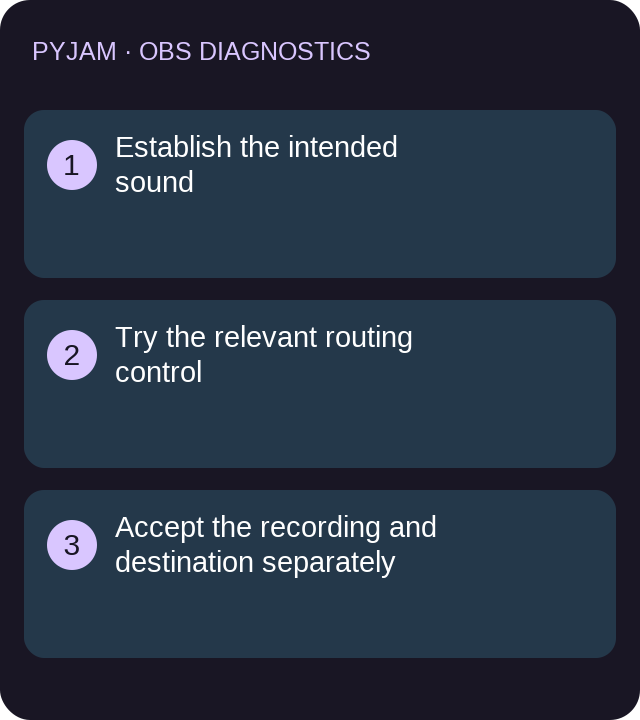
Establish the intended sound
Name the input device and describe whether it provides one voice or meaningful left-right information. Record a short phrase with no other intentional sound. Play the file using a known listening setup and inspect both channels where your software permits. A meter moving in OBS does not establish how the final channels are heard, and a headphone connection problem can mislead the test.
Try the relevant routing control
OBS documents a mono-downmix option in its audio controls. Inspect the option available for the selected source and make a reversible trial only when central voice is the goal. Record the same phrase again. Listen through the same route and compare channels. Avoid applying the change indiscriminately to a stereo demonstration where left-right position is part of the information being taught or shown.
Accept the recording and destination separately
Keep the sample that presents the intended voice clearly without unwanted duplication. Check a complete mix containing the other planned sources too. If you intentionally transmit through a supported destination, have a helper inspect the received audio separately. A local channel correction does not prove what another application captures or what a particular viewer hears through their own device and playback settings.
Channel test sheet
Record source purpose, original channel observation, changed control, new sample and listening route. Example: a single spoken voice is present on both output channels after the trial while a separate stereo effect remains unchanged. Keep the two source purposes distinct and retain the original sample so later troubleshooting has a useful reference.
Try the check in Pyjam
Open Pyjam’s preparation route and inspect the available setup before choosing to broadcast. Use the rehearsal above to decide what to check; opening the app alone does not start or confirm a public session.
Prepare a Stream in Pyjam