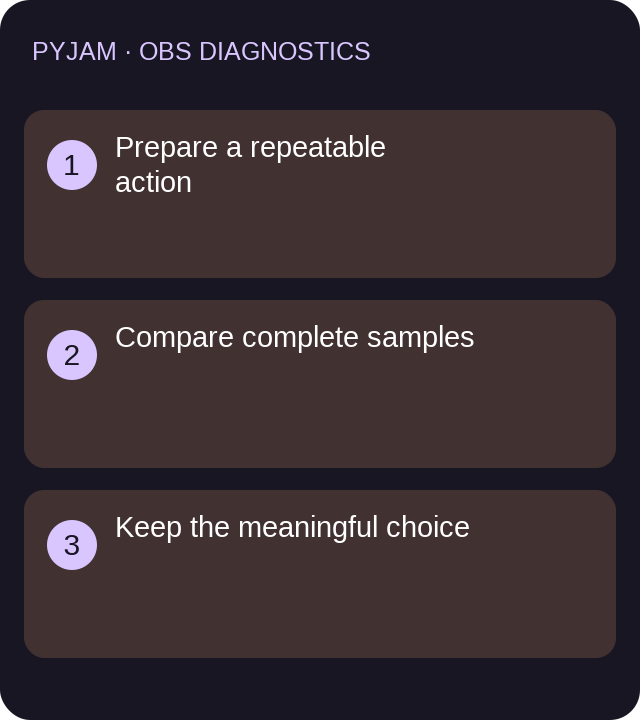
Prepare a repeatable action
Use the camera source and device controls available in your installation. Record the selected resolution and frame-rate options without assuming every webcam offers the same choices. Place the subject in the actual light and move a hand or demonstration object across its normal range. Keep the camera position steady so the comparison concerns the settings rather than a different composition.
Compare complete samples
Record a short starting sample and one deliberate alternative. Look at motion, fine labels and changes when a bright or dark object enters the frame. Listen to any intended accompanying speech too. Inspect the composed recording at ordinary viewing size. A device's nominal option describes a configuration; it does not guarantee that the complete capture, composition and recording path produces equally useful frames under the actual conditions.
Keep the meaningful choice
Choose the sample that communicates the action reliably in the planned setup. If the framing or light changes, repeat the movement before accepting the old settings. Keep a simple fallback view for the demonstration. Do not claim that a device setting tested inside OBS establishes webcam availability in a separate browser application, where device permissions, selection and supported controls have their own acceptance step.
Camera trial card
List device, light, selected options, movement, sample filenames and the important detail preserved. Example: still lettering is sharp but moving hands obscure the mark during the action. Record that failure specifically. Compare another controlled sample rather than increasing several numbers and assuming the most demanding option is best.
Try the check in Pyjam
Open Pyjam’s preparation route and inspect the available setup before choosing to broadcast. Use the rehearsal above to decide what to check; opening the app alone does not start or confirm a public session.
Prepare a Stream in Pyjam