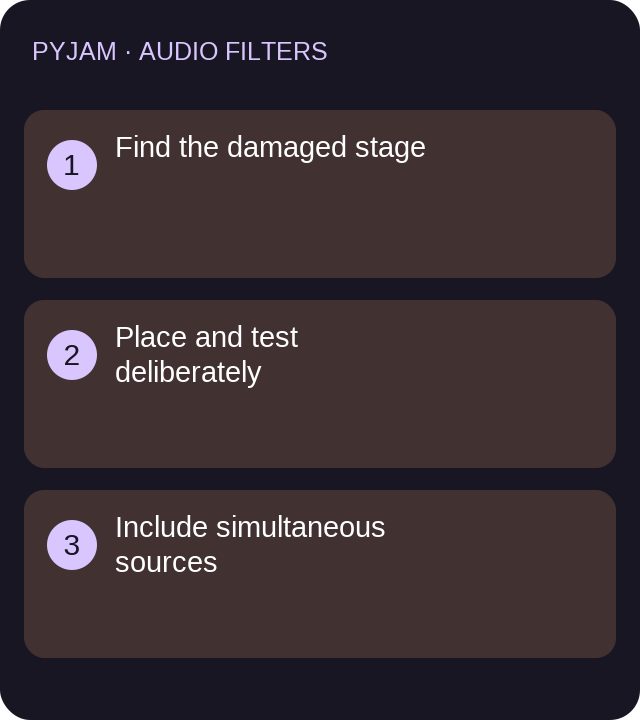
Find the damaged stage
Make a short recording before adding more processing. Listen to each intended source and then the combined output. If the microphone already sounds broken at its input, reducing a later level will not restore the missing detail. Correct the earlier problem first. Distinguish a loud but clear passage from a distorted one so the limiter is evaluated against the actual issue.
Place and test deliberately
OBS recommends the limiter at the end of the filter chain. Preserve the existing configuration before changing it. Rehearse a naturally louder phrase rather than making an uncomfortable sound just to force a result. Listen through the complete passage at a consistent playback volume. A ceiling on the displayed level alone does not prove the recording is pleasant or understandable.
Include simultaneous sources
A voice, cue sound and media clip may overlap during a transition. Rehearse that combination with your own permitted material. Check for a sudden dip or an overwhelming effect. Reduce an unnecessary source instead of relying on the limiter to make every combination acceptable. Keep an uncomplicated fallback mix for a session where you cannot monitor the result continuously.
Final-stage record
List source inputs, limiter position, tested ceiling, overlapping sounds and listening result. Keep the original source-quality check beside it. Mark an unresolved crackle as unresolved even if the output meter stays below its ceiling. Save the configuration that produced the checked mix, and do a new listening comparison when a source or upstream filter changes.
Try the check in Pyjam
Open Pyjam’s preparation route and inspect the available setup before choosing to broadcast. Use the rehearsal above to decide what to check; opening the app alone does not start or confirm a public session.
Prepare a Stream in Pyjam