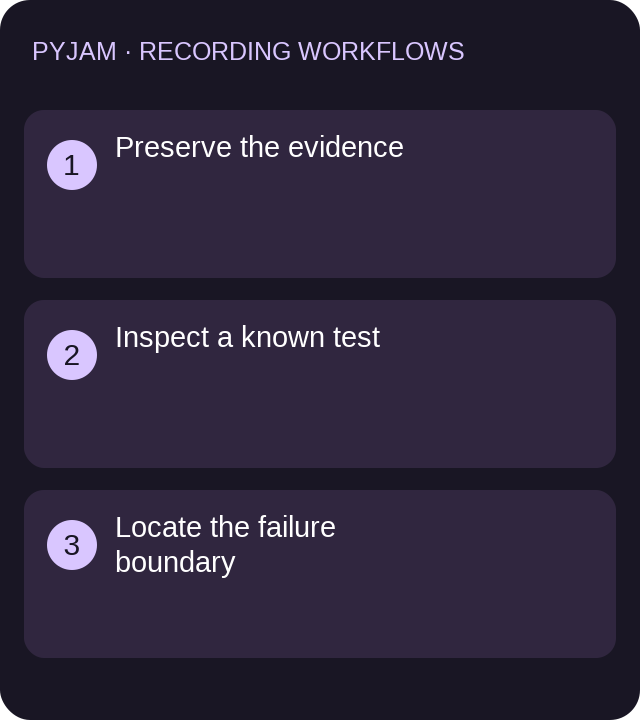
Preserve the evidence
Keep the original file and note which sound is missing, where it should occur and how you know it was captured. Open a copy through your normal editing workflow. Record the application's observed track layout rather than assuming its first visible waveform represents every recorded stream. Compare against the route map from the recording setup if you have one.
Inspect a known test
Create a new short local recording with two clearly named sound sources recorded separately as intended. OBS guidance explains that many players play one track at a time while compatible editors can handle several. Test the new file in the same editor and inspect its available audio tracks or import choices. Keep a record of what you can actually select; menu wording varies between applications and versions.
Locate the failure boundary
If the test contains the expected separate track in one compatible inspection workflow but the editor does not expose it, investigate that import path. If no inspection finds the named sound, return to source capture and recording assignments. Avoid repeatedly remuxing or changing extensions without a reason. Those steps do not recreate missing audio and can make it harder to identify which copy was checked.
Missing-track report
Record source filename, expected sound and timestamp, configured track assignment, available editor tracks and inspection outcome. Example: the second named signal exists in the recorded track but was not selected during import. Keep this report factual; a successful test on a new file does not prove that an older recording contains the same track structure.
Try the check in Pyjam
Open Pyjam’s preparation route and inspect the available setup before choosing to broadcast. Use the rehearsal above to decide what to check; opening the app alone does not start or confirm a public session.
Prepare a Stream in Pyjam