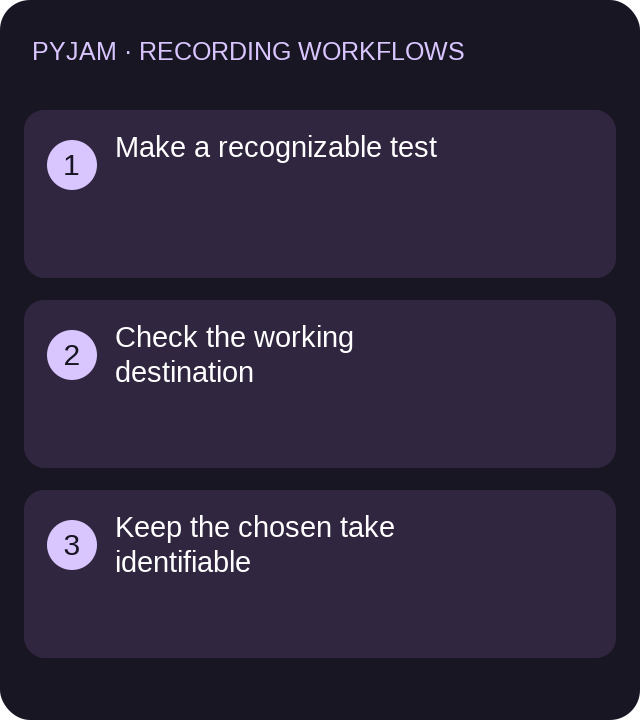
Make a recognizable test
Inspect the recording path in the current output settings. Record a short local take in which you say a unique phrase and hold up a matching note. Stop normally, then locate the file in that configured folder. Check its modification time and play the phrase. This connects the setting, the resulting file and the actual session without searching through several similarly named older recordings.
Check the working destination
Confirm that you can open the folder and that the intended storage is available before the longer rehearsal. A removable drive or previously used network location may have changed. Keep the path in the production notes without publishing private account names. If you change the destination, repeat the small test; an edited setting is not evidence that a complete recording can be written there.
Keep the chosen take identifiable
Give the session and take a clear reference in your notes. After stopping, verify the start, a middle point and the ending rather than relying only on a file appearing. Keep the original while preparing any editing copy. When someone else receives the file, provide its exact filename and purpose so a rehearsal is not mistaken for an approved replay or the only surviving master.
Folder proof card
Write configured folder, test phrase, resulting filename, stop time and playback result. Example: the phrase appears in a file created today in the intended rehearsal directory. If the phrase differs, investigate the take before moving anything. Use the same short check after changing computers, storage devices or output profiles.
Try the check in Pyjam
Open Pyjam’s preparation route and inspect the available setup before choosing to broadcast. Use the rehearsal above to decide what to check; opening the app alone does not start or confirm a public session.
Prepare a Stream in Pyjam