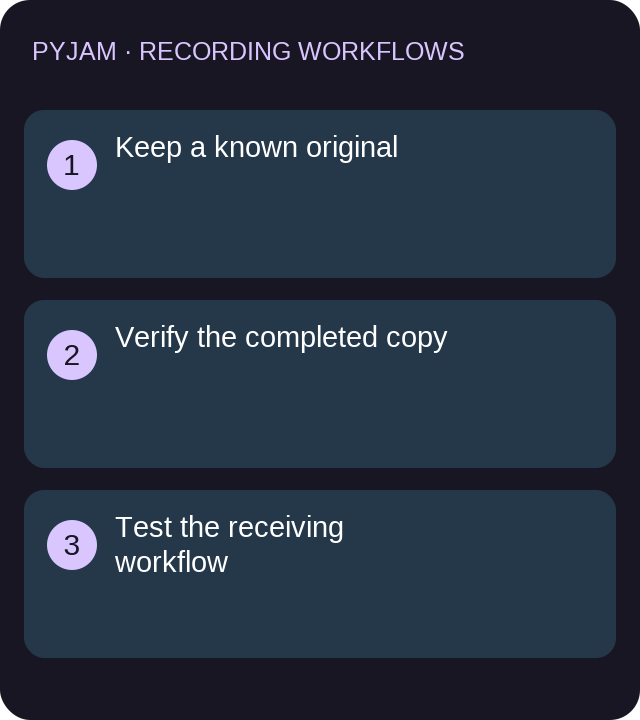
Keep a known original
Choose a completed rehearsal recording that plays correctly and retain it. Note its duration, opening words and final action. In OBS, File then Remux Recordings provides the built-in remux route. Select the intended source and inspect the proposed destination. Avoid treating a similarly named output from a previous attempt as the new result, especially when preparing several takes from one session.
Verify the completed copy
After the operation reports completion, open the actual destination file. Check the beginning, a recognizable middle action and the ending against the original. Listen to the expected audio and inspect seeking. A successful remux message establishes that the operation completed; it does not by itself prove that the editor exposes every needed track or that the original material was recorded as intended.
Test the receiving workflow
Import the copy into the editor or other permitted destination for which it was prepared. Confirm that the picture and required sound are available there before discarding any working version. Keep the original and converted copy distinguishable. If an editor still rejects the material, record its actual error and the selected formats instead of repeatedly renaming an extension or overwriting the source.
Remux handoff record
Use original filename, output filename, source duration, checked moments and receiving-editor result. Example acceptance: both files contain the same opening phrase and final movement, and the editing copy imports with the required sound. Mark a missing audio track as an unresolved receiving-workflow issue rather than declaring the whole preparation complete.
Try the check in Pyjam
Open Pyjam’s preparation route and inspect the available setup before choosing to broadcast. Use the rehearsal above to decide what to check; opening the app alone does not start or confirm a public session.
Prepare a Stream in Pyjam