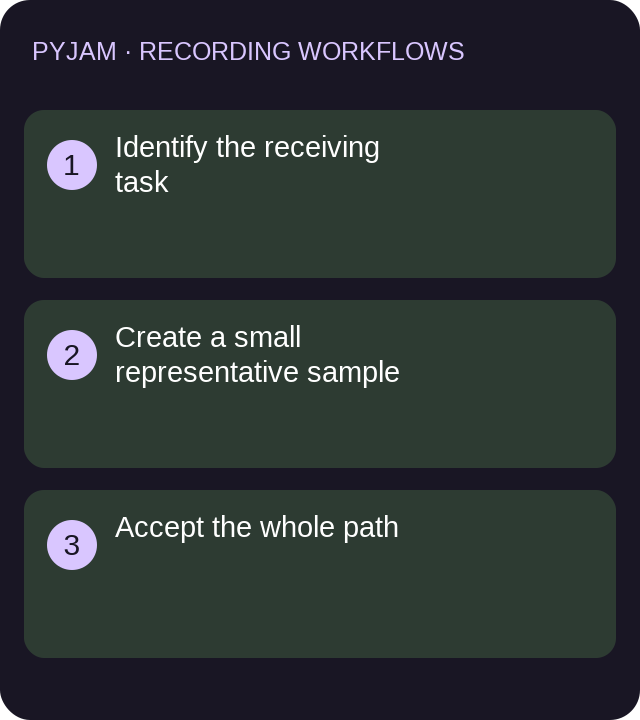
Identify the receiving task
Write down whether the file is for a private rehearsal review, later editing or a permitted publication workflow. Check which containers and codecs the receiving software actually accepts. OBS documents several audio and video format combinations. Do not choose solely because a filename looks familiar: a container can hold different kinds of encoded material, and an editor may support only some combinations.
Create a small representative sample
Record a moving demonstration with the sound sources you need. Stop normally and inspect the resulting file. If the workflow uses a separate editing copy, test that step too. Include the same kind of motion and detail as the intended session. A static title card proves little about whether a longer demonstration will be useful for editing or whether several audio sources remain distinguishable.
Accept the whole path
Open the sample in the receiving application, inspect sound and picture, then try a simple edit and preview it. Record the observed result and retain a working original. If you change the container or encoder, repeat the sample instead of assuming the earlier acceptance still applies. Compatibility verified on your own machine does not establish that every collaborator has the same software or supported decoding path.
Format decision sheet
List recording container, selected encoder, required audio tracks, receiving application and sample result. Example: the file plays in a local player but its second sound track is unavailable in the editor; revise the handoff. Keep the tested combination with the session notes so the next take uses a known path rather than an assumed universal format.
Try the check in Pyjam
Open Pyjam’s preparation route and inspect the available setup before choosing to broadcast. Use the rehearsal above to decide what to check; opening the app alone does not start or confirm a public session.
Prepare a Stream in Pyjam