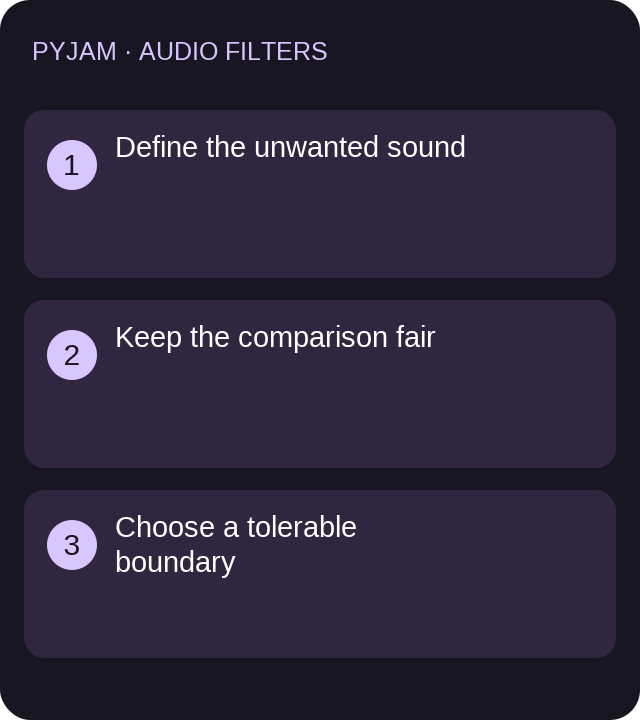
Define the unwanted sound
Record a pause, normal explanation and soft final word. Note whether the problem is continuous background sound or an occasional disturbance. OBS describes an expander as reducing quieter material with an adjustable ratio. A gate has a different closing behavior. Neither label tells you which setting preserves the details of your microphone, room and speaking style without an actual listening comparison.
Keep the comparison fair
Save an untreated reference and test one processor at a time. Leave microphone position and other filters unchanged. Reuse the exact sentence, including its pauses. Compare the opening of speech and its decay into silence. A processor that makes the pause quieter may still make an explanation harder to understand if it swallows the softer part of a word.
Choose a tolerable boundary
Include the quiet useful action from the real session, such as handling a small object. Listen for an abrupt closure or distracting room-level changes. Prefer a modest improvement that preserves information over a dramatic silent gap with missing details. If neither trial helps, revisit microphone distance and the noise source instead of repeatedly increasing the processing strength.
Two-trial table
Write processor, starting values, quiet ending, background change and useful action. Use the same listening device and volume. Example: expander trial retained the last word but left some room sound; gate trial removed both. That is evidence for this sample, not a rule that one processor is always better. Recheck when the physical arrangement changes.
Try the check in Pyjam
Open Pyjam’s preparation route and inspect the available setup before choosing to broadcast. Use the rehearsal above to decide what to check; opening the app alone does not start or confirm a public session.
Prepare a Stream in Pyjam