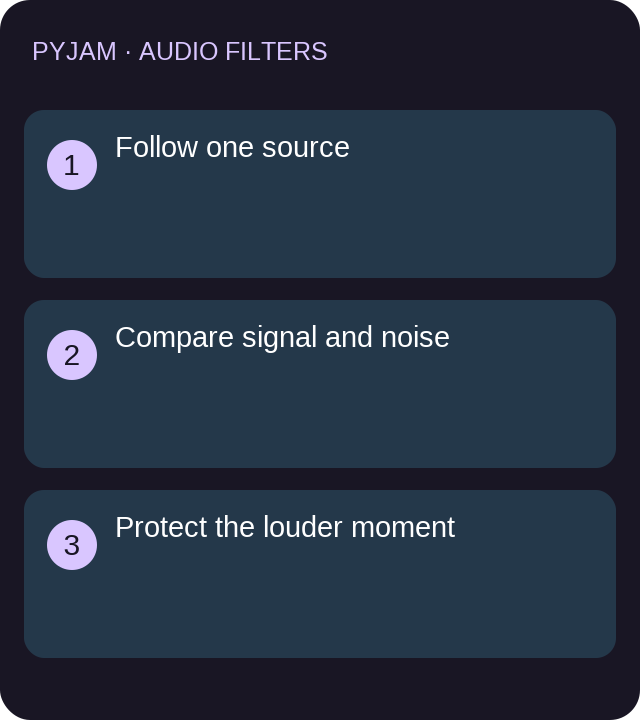
Follow one source
Choose a microphone and label its route from device through input controls to OBS. Record its current arrangement. Check whether the quiet result is present in the original input or appears after another control. OBS advises applying gain at the source where practical. Avoid changing several stages together: that makes a successful trial difficult to reproduce and a failed one difficult to reverse.
Compare signal and noise
Record ordinary speech, a quiet sentence and a pause. If using an OBS gain filter, make a modest controlled adjustment and repeat them. Listen for both the useful words and the background. A larger meter reading is not automatically a clearer explanation. Keep the comparison volume consistent enough to notice whether the relationship between speech and noise actually improved.
Protect the louder moment
Include the energetic passage you expect during the session. Verify that the adjusted chain still handles it cleanly. Do not fix a quiet introduction by sacrificing the rest of the talk. Check a recording of the whole composition, then retain a clear note of which stage changed. Keep device setup and a software filter as separate fields in the record.
Gain trace
Use device control, operating-system input, OBS source, filter change and recording result. Mark unknown stages rather than inventing a value. Example: input was already quiet; filter made voice and fan louder, so microphone placement needs another test. A trace like this is more useful than saving only the final slider position without the conditions that produced it.
Try the check in Pyjam
Open Pyjam’s preparation route and inspect the available setup before choosing to broadcast. Use the rehearsal above to decide what to check; opening the app alone does not start or confirm a public session.
Prepare a Stream in Pyjam