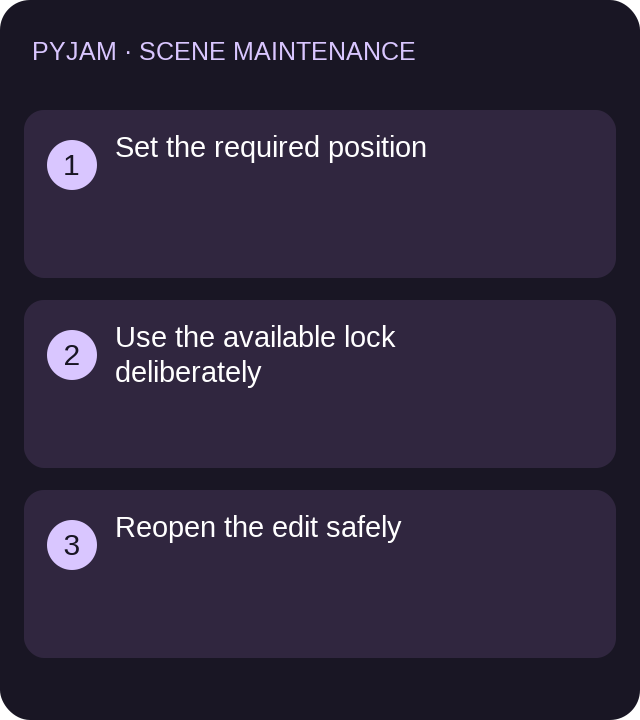
Set the required position
Place the source around the actual action and inspect the full range of movement. Check important labels, hands and the finished result in a local recording. Note the position or save an appropriate reference for the arrangement. A visually pleasing still frame is not enough when the source must contain an action that reaches beyond the presenter's resting position.
Use the available lock deliberately
Inspect the source-list controls in your OBS setup and lock the settled item where that control is available. During a private rehearsal, verify that ordinary selection work does not accidentally shift the intended source. Keep the difference between selecting an item and editing its composition clear. Do not claim a lock protects source content, media files, device settings or permissions; it addresses a narrower layout task.
Reopen the edit safely
When a deliberate position change is needed, identify the item, unlock it, make the bounded adjustment and repeat the movement check before locking again. Inspect any related views that use the same material. Keep the final reference with the scene notes. If the control behaves differently in your installation, record what you observed instead of following an assumed shortcut during a live demonstration.
Position maintenance card
Use source name, useful boundary, reference, lock state and deliberate-edit procedure. Example: the starting frame is correct but a raised object leaves the picture; revise the boundary before locking it. A lock reduces one accidental-edit risk, while an accepted recording establishes whether the position actually serves the audience's task.
Try the check in Pyjam
Open Pyjam’s preparation route and inspect the available setup before choosing to broadcast. Use the rehearsal above to decide what to check; opening the app alone does not start or confirm a public session.
Prepare a Stream in Pyjam