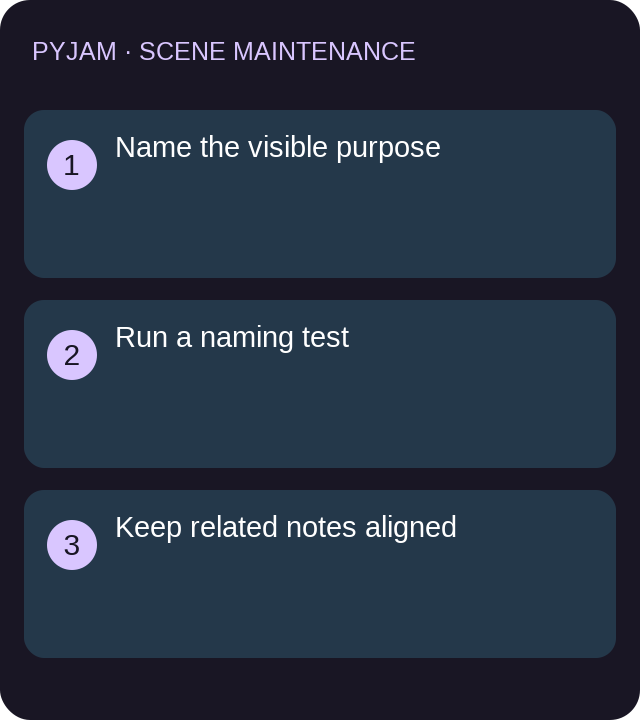
Name the visible purpose
List the views in the running order and give each a concise task name, such as Opening, Workbench Close-up or Final Result. Distinguish alternatives that otherwise look similar. Avoid using a person's private information or an internal joke as the only cue. Keep the audience-facing content separate from the operator's labels; the scene name should help choose the view without becoming part of the spoken explanation.
Run a naming test
Ask the intended operator to follow a short sequence using only the running order and scene labels. Inspect the selected views in a private rehearsal and note each hesitation or wrong choice. Include leaving a close-up and returning to the presenter. OBS provides scenes for organizing compositions, but useful naming depends on how your team actually refers to the action, not on a universal naming convention.
Keep related notes aligned
After a deliberate rename, update the running order and any other operator notes that name the view. Recheck the controls or shortcuts you rely on in the actual setup. Do not assume an old printed cue now describes the intended scene. Preserve a clear distinction between a working alternative and the approved session view so an experiment is not selected simply because its name sorts nearby.
Scene-label review
Write old label, intended view, new label, operator hesitation and corrected cue. Example: two views called Camera cause a mistaken wide shot; rename them by purpose and repeat the sequence. Accept the names when the operator can choose the right view at the required moment without asking which indistinguishable item the cue means.
Try the check in Pyjam
Open Pyjam’s preparation route and inspect the available setup before choosing to broadcast. Use the rehearsal above to decide what to check; opening the app alone does not start or confirm a public session.
Prepare a Stream in Pyjam