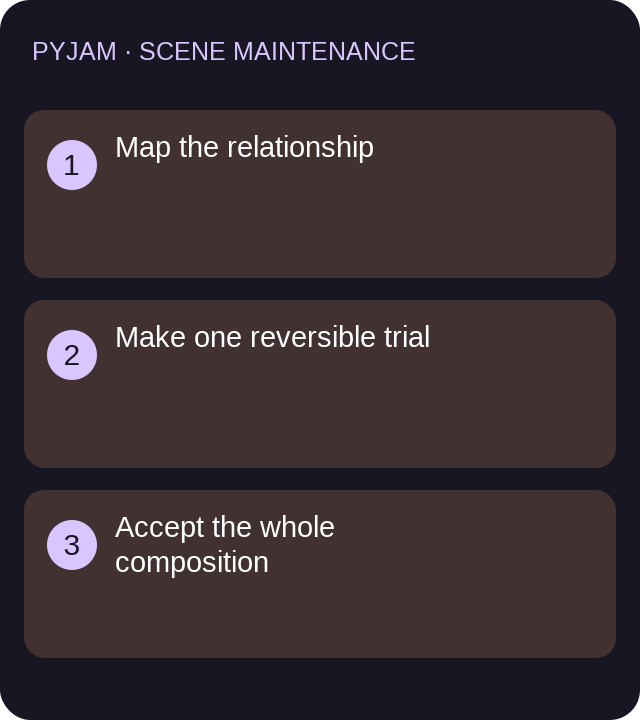
Map the relationship
Name the containing scene and the reused scene it displays. Write down which task the reused view serves, such as a workbench close-up or a speaker label arrangement. Keep a reference recording or screenshot of the working result. Inspect the source relationship available in your setup before making a change, rather than treating every similar-looking scene item as an independent copy.
Make one reversible trial
Change one harmless detail in a private rehearsal, such as a test label in the reused arrangement. Inspect the reused scene directly, then switch to each containing scene that matters. Record which views reflect the change and whether their framing still works. Do not use a public output as the first place to discover an unexpected relationship. Restore the test detail after you understand the effect.
Accept the whole composition
Perform the actual movement in the final containing scene. Check relevant borders, text and the return path after a transition. A reused component that looks correct by itself may be scaled or cropped differently inside another layout. Keep the relationship in the production notes so another operator knows where to make a global correction and where to adjust only one scene's presentation.
Reuse relationship sheet
List containing view, reused view, intended shared detail, test change, affected scenes and final restoration. Example: a workbench label is readable directly but too small in the interview layout that contains it. Fix that presentation and verify it without declaring the shared scene universally ready from only its standalone preview.
Try the check in Pyjam
Open Pyjam’s preparation route and inspect the available setup before choosing to broadcast. Use the rehearsal above to decide what to check; opening the app alone does not start or confirm a public session.
Prepare a Stream in Pyjam