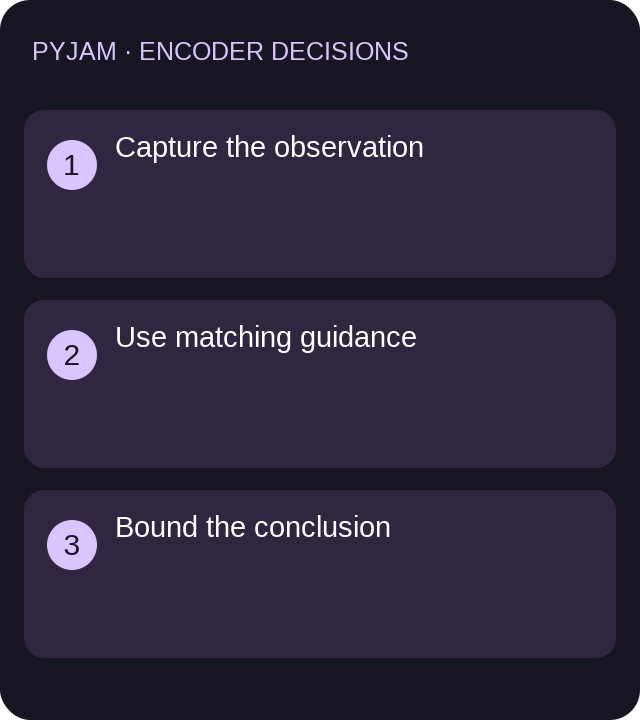
Capture the observation
Note warning wording, time and computer activity. Keep account details out of screenshots. Check whether the symptom appears in local recording, viewer playback or both. One buffering report cannot identify the failing part of the chain. Record observations separately from proposed causes so a later comparison does not start from an unsupported diagnosis.
Use matching guidance
OBS publishes separate connection and encoding-performance guidance. Follow the relevant branch instead of lowering everything at once. Local performance and an unsustainable connection need different comparisons. Keep the starting configuration, try one documented adjustment and repeat the action that produced the warning. This connects a result to a specific change instead of a bundle of simultaneous guesses.
Bound the conclusion
If recording improves but playback still struggles, retain both facts and continue with a viewer or connection comparison. Prepare a concise support report if unresolved. A disappearing symptom is not proof of permanent repair. A simpler scene can be an interim choice. Name any skipped check and do not call it passed simply because another stage worked.
Incident note
Use indicator, recording result, viewer observation and one change tried. Add time and activity. Share a sanitised description rather than credentials or full private screens. Preserve the unanswered question so the next trial can investigate it directly.
Try the check in Pyjam
Open Pyjam’s preparation route and inspect the available setup before choosing to broadcast. Use the rehearsal above to decide what to check; opening the app alone does not start or confirm a public session.
Prepare a Stream in Pyjam