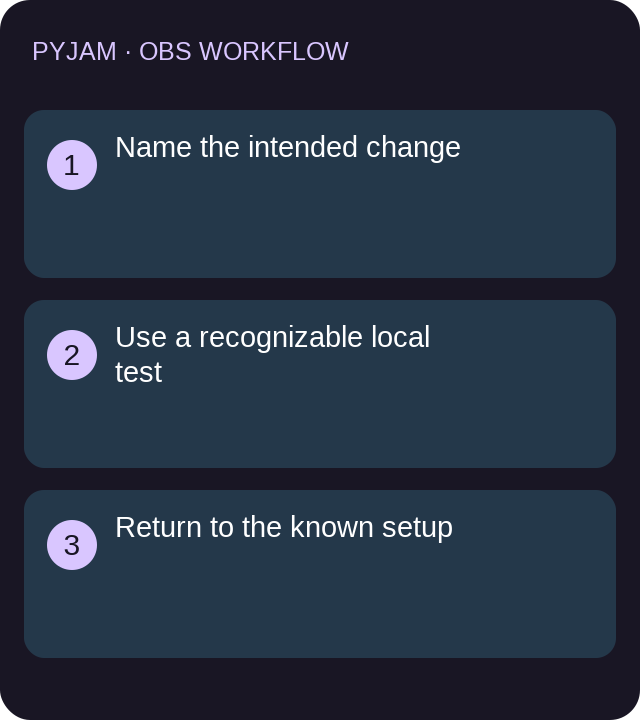
Name the intended change
Write whether you need a different output arrangement, a different set of scenes or both. OBS separates profiles and scene collections in its setup. Check the current installation's controls before editing. Avoid duplicating an entire working environment just because one label needs changing, and avoid replacing a working output setup when your actual goal is to rehearse a different sequence of pictures.
Use a recognizable local test
Choose harmless scenes with distinct names and record the starting configuration. Change the selected arrangement deliberately, then inspect both the scenes and the output settings relevant to the rehearsal. Do not rely only on the currently visible picture. A familiar scene can appear alongside a different output configuration, so the absence of an obvious visual change does not prove the whole setup is unchanged.
Return to the known setup
Rehearse returning before using the new arrangement in a real session. Check required media files and device sources. Save a brief note explaining which choice serves which purpose. Keep credentials out of general worksheets or shared screenshots. A named saved setup is useful only when you know what it contains and can verify that its required inputs still exist on the current machine.
Setup decision card
Write purpose, original profile, original scene collection, changed selection and local recording result. Use separate rows for output and composition. Example: new teaching scenes retained, previous output configuration restored for the next rehearsal. Mark anything not inspected as unknown. Recheck after moving computers or devices rather than assuming a familiar setup name guarantees the same behavior.
Try the check in Pyjam
Open Pyjam’s preparation route and inspect the available setup before choosing to broadcast. Use the rehearsal above to decide what to check; opening the app alone does not start or confirm a public session.
Prepare a Stream in Pyjam