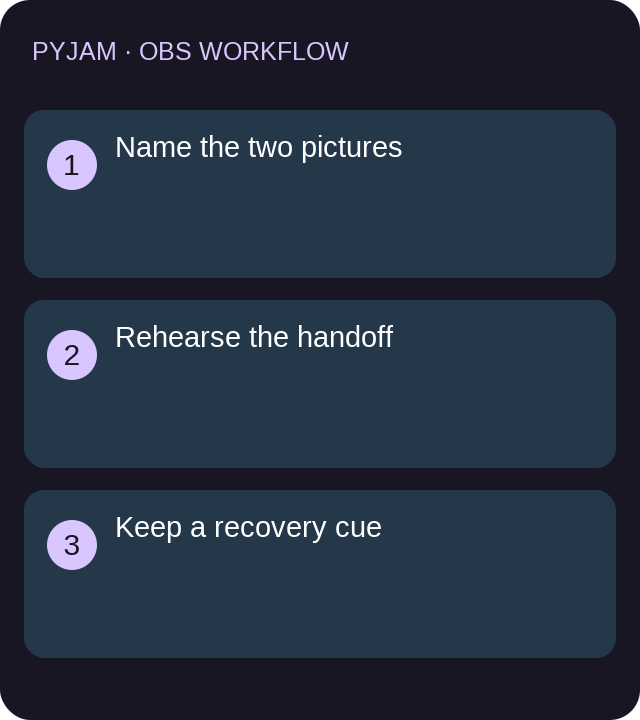
Name the two pictures
OBS Studio Mode separates a preparation view from the program output. Put two clearly different scenes in your local rehearsal, using your own harmless material. Identify which picture is currently being sent to the recording. Do not infer that changing the selected preparation scene has changed the audience view. Label your rehearsal notes by role rather than relying only on left and right placement.
Rehearse the handoff
Prepare the second picture, verify its subject and use the intended transition control. Inspect the recording to confirm what actually changed. Return to the first scene and repeat the sequence. Include a deliberate pause to see whether the presenter speaks about a picture that is still waiting in preview. That mismatch can make a correct explanation sound confusing to an audience following the program output.
Keep a recovery cue
Choose one clear sentence for an unexpected scene or missed transition. Have a simple known scene available. Avoid learning several new controls during the session itself. Check the complete running-order sequence, including the end. A successful local recording is a rehearsal result; when intentionally broadcasting, inspect the real destination's viewer picture separately instead of assuming the two stages are identical.
Preview-program drill
Write current program, prepared scene, transition action, recorded result and recovery sentence. Example acceptance: the diagram appears before the presenter begins describing its labels. Keep a record of an error if it reveals a confusing control or timing habit. Rehearse again after changing your scene order, control method or the person responsible for transitions.
Try the check in Pyjam
Open Pyjam’s preparation route and inspect the available setup before choosing to broadcast. Use the rehearsal above to decide what to check; opening the app alone does not start or confirm a public session.
Prepare a Stream in Pyjam