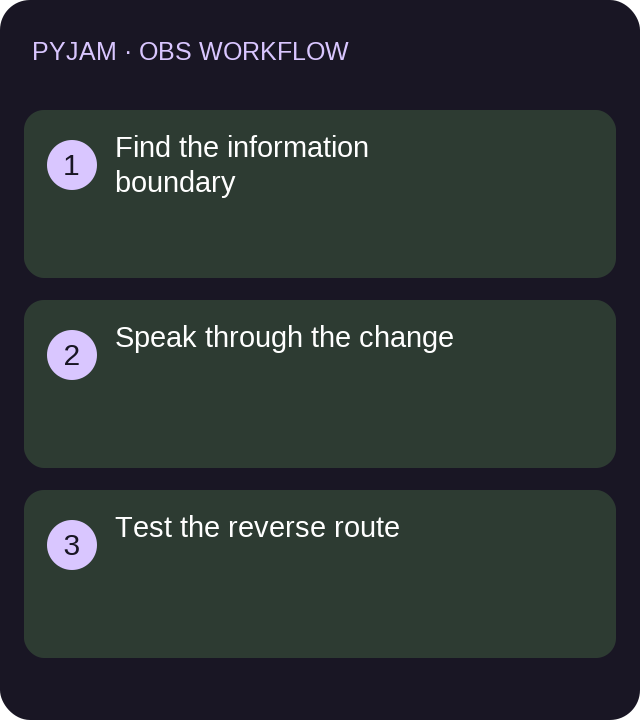
Find the information boundary
Identify the final point in the old view and the first point in the new one. OBS provides scene-transition controls; your choice should follow the material. Use a pair of scenes with distinct subjects in a local recording. Decide whether a direct change or a gradual transition better preserves the relationship, rather than choosing a long effect simply because it looks polished.
Speak through the change
Read the transition sentence at ordinary pace and inspect the recorded picture. Watch for overlapping labels or a period when neither view is clear. Keep the presenter from naming a small feature before it becomes visible. Adjust the timing or wording one at a time. A quiet preview of the effect alone cannot tell you whether the explanation lands at the right moment.
Test the reverse route
Rehearse returning to the earlier view for a question or correction. Check the last transition of the session too. Keep an uncomplicated fallback when the planned effect is distracting. Preserve the accepted sequence with the running order, including the spoken cue. A transition that works between two photographs may need a different decision when the next scene contains detailed text or an important moving action.
Transition cue card
Use old view, final spoken point, new view, first visible detail, effect and observation. Example: dissolve briefly merges two diagrams, so the explanation pauses until the new one is clear. Keep that timing explicit. Ask a helper what changed and when they recognized the new subject; their answer is more useful than judging the effect only from the control panel.
Try the check in Pyjam
Open Pyjam’s preparation route and inspect the available setup before choosing to broadcast. Use the rehearsal above to decide what to check; opening the app alone does not start or confirm a public session.
Prepare a Stream in Pyjam