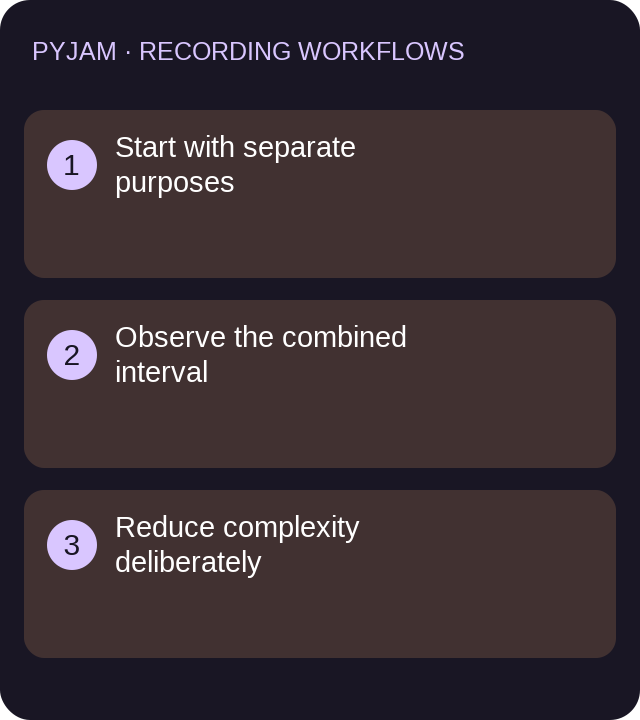
Start with separate purposes
Name the destination's viewer test and the local recording's editing purpose. Check the actual destination's supported input route before planning any transmission; this page does not establish an OBS integration with Pyjam. Prepare a permitted test with a recognizable spoken phrase and movement. Confirm where the local file will be stored and which recording settings differ from the transmitted output.
Observe the combined interval
When intentionally using a supported test destination, run the planned outputs together through the representative action. Watch for output warnings and listen to the local recording after a normal stop. Have a helper inspect the received output separately where appropriate. A clean local file and a clean viewer session are different results. Record each without using one as a substitute for the other.
Reduce complexity deliberately
If the combined test fails, keep the observed symptoms and change one workload choice before repeating a bounded sample. Consider whether the separate recording quality is needed for the task. Do not run a public session merely to troubleshoot an unfamiliar route. Keep a simpler fallback that you have tested, and distinguish a local-only rehearsal from a successful transmitted trial in the production notes.
Combined-output checklist
Record scene, output purposes, test destination, local filename, warnings, received-picture result and local playback result. Example failure: local playback is complete but the helper sees interrupted motion. The setup remains unaccepted for that destination even if the recording is excellent. Rehearse again after a meaningful workload change.
Try the check in Pyjam
Open Pyjam’s preparation route and inspect the available setup before choosing to broadcast. Use the rehearsal above to decide what to check; opening the app alone does not start or confirm a public session.
Prepare a Stream in Pyjam