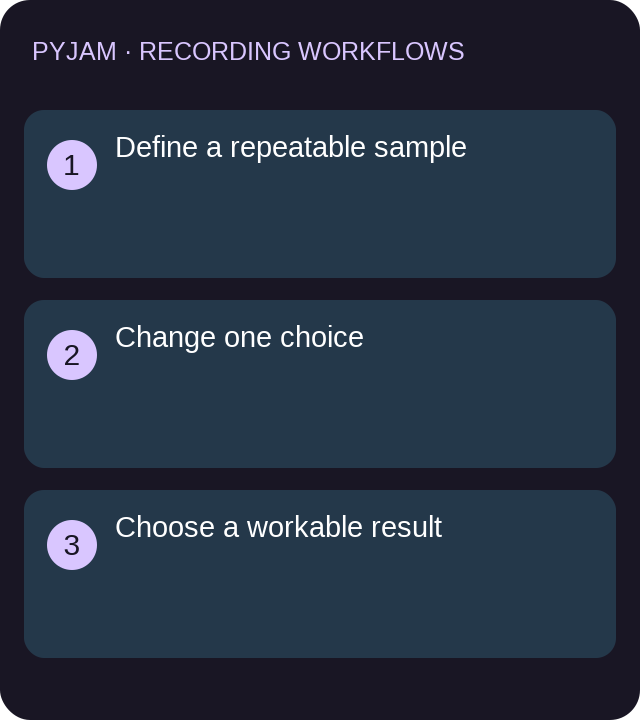
Define a repeatable sample
Choose a short sequence containing motion, speech and the smallest important label in the real session. Keep the scene, duration and other settings stable. Note the available recording encoder and relevant settings in your installation. Record an initial sample before changing anything. Separate recording settings can add work to a computer already preparing a live output, so include the intended workload in the trial.
Change one choice
Record the same sequence with the alternative encoder or one deliberate setting change. Inspect both resulting files at normal viewing size, then examine the important detail more closely if needed. Listen for interruptions and compare the whole action. Note file sizes and any visible output problems. Do not judge two encoders from different scenes, different durations or a comparison in which several settings changed together.
Choose a workable result
Keep the option that preserves the useful information while completing the intended workload reliably in your observed test. A smaller file is only useful if the action and labels remain understandable. Retain both samples and their settings for review. This local comparison does not prove live delivery to Pyjam or another destination; a transmitted output has a separate viewer-side acceptance step when you intentionally test it.
Encoder comparison card
Use sample action, duration, encoder choice, changed setting, file size, visible defects and acceptable detail. Example: a moving label becomes unreadable in the smaller file even though a still title looks similar. Describe that observation instead of declaring an encoder universally best for every computer, scene and destination.
Try the check in Pyjam
Open Pyjam’s preparation route and inspect the available setup before choosing to broadcast. Use the rehearsal above to decide what to check; opening the app alone does not start or confirm a public session.
Prepare a Stream in Pyjam