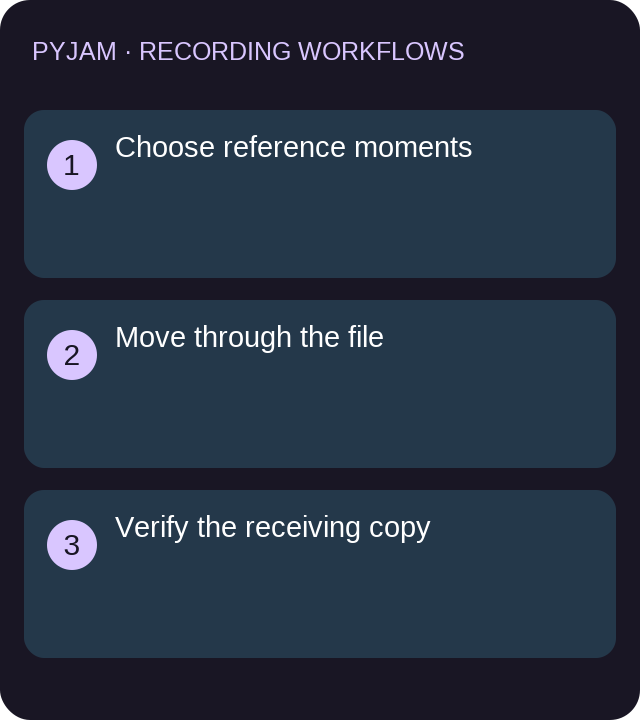
Choose reference moments
After a normal recording stop, note the intended opening, one middle action and the final spoken conclusion. Open the actual saved file and confirm its identity. Keep the original available while reviewing. If several takes have similar names, use a unique phrase or visible note to distinguish them instead of assuming the newest-looking filename contains the approved demonstration.
Move through the file
Use a compatible player's timeline to inspect the reference moments. Listen for the relevant explanation and check that picture and sound remain useful after seeking. Look at the final seconds instead of stopping at the apparent end of the main action. A closing instruction, correction or result may be essential even when most of the file is intact. Note the exact location of an observed problem.
Verify the receiving copy
If you make a remuxed or edited copy, repeat the meaningful checks on that file in its receiving workflow. Preserve the distinction between an original, a review copy and an approved publication copy. A successful local playback does not establish that an uploaded replay has finished processing or that every viewer can seek it. Inspect those later stages separately if they are part of the intended release.
Playback acceptance record
Write filename, duration, opening cue, middle timestamp, final cue, seek result and receiving-copy status. Example: the opening and middle are correct but the last explanation is absent; retain the issue and locate the complete take. Avoid silently replacing a missing conclusion with an earlier rehearsal that used different instructions.
Try the check in Pyjam
Open Pyjam’s preparation route and inspect the available setup before choosing to broadcast. Use the rehearsal above to decide what to check; opening the app alone does not start or confirm a public session.
Prepare a Stream in Pyjam