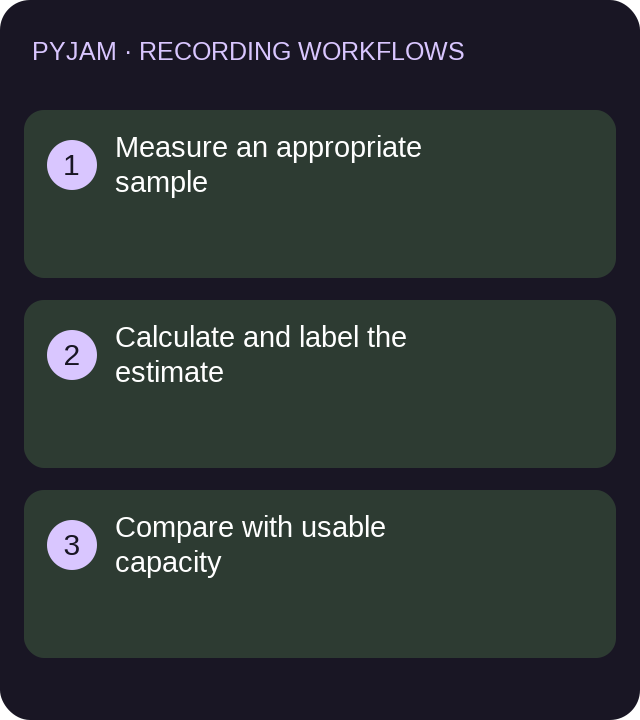
Measure an appropriate sample
Record the intended scene with typical speech and movement using the planned output settings. Stop normally, check playback and note the complete file size and duration. Use the same units for your calculation. A quiet still frame may not represent a busy demonstration, especially when the recording settings allow output size to vary with the material.
Calculate and label the estimate
Divide sample bytes by sample seconds, then multiply by the planned recording seconds. For example, a hypothetical 120 MB sample lasting five minutes suggests roughly 720 MB for thirty minutes at the same average. Mark the figures as an illustration, not an OBS default or measured Pyjam usage. Include additional takes, remuxed copies and editor working material separately instead of assuming there will be only one file.
Compare with usable capacity
Check available space on the actual recording destination shortly before the session. Leave a reserve that suits your workflow and avoid filling a shared system drive. If the estimate is uncomfortable, shorten the plan or test a suitable recording change before proceeding. Do not delete the only original to make room for an unverified copy. Recheck after a meaningful scene or output-settings change.
Space worksheet
Write sample duration, file size, observed average, planned duration, number of takes, additional copies and chosen reserve. Keep the arithmetic beside the sample filename. Example decision: there is room for one estimated take but not the planned second take and editing copy; revise the storage plan before recording the full demonstration.
Try the check in Pyjam
Open Pyjam’s preparation route and inspect the available setup before choosing to broadcast. Use the rehearsal above to decide what to check; opening the app alone does not start or confirm a public session.
Prepare a Stream in Pyjam