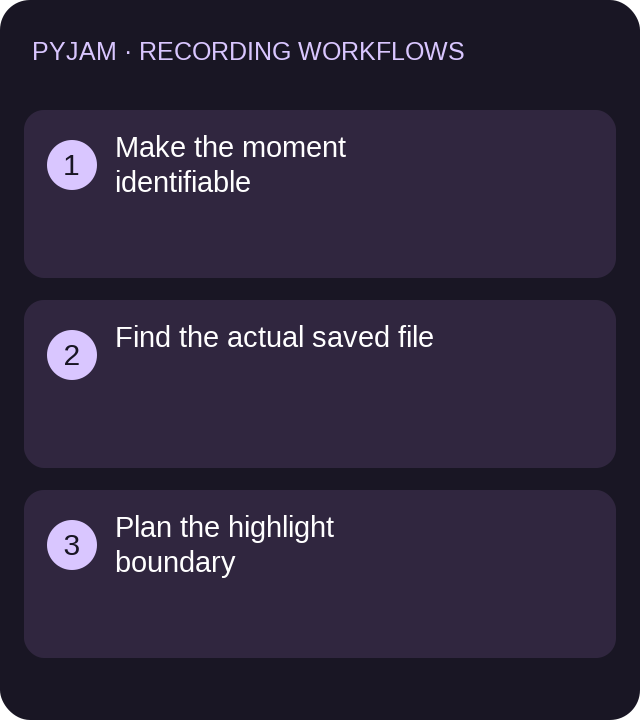
Make the moment identifiable
Inspect the replay-buffer controls and save hotkey available in your OBS setup. Rehearse locally using material you may record. Say a unique opening phrase, perform the small action you want to retain and say an ending phrase. Note when you activate the save control. Keep the trial short and deliberate instead of pressing several shortcuts whose results become difficult to identify.
Find the actual saved file
Locate the resulting replay and play it. Check which part of the test it includes, whether the important action is complete and whether the expected sound is present. Record its duration and filename. A save action does not guarantee that enough preceding context was retained for the story you want to tell. If no file appears, inspect the configured save route and current buffer state before repeating the action.
Plan the highlight boundary
Choose when an operator should save during the real session and what context needs to precede the moment. Rehearse that timing with the actual scene. A replay buffer is not a substitute for a full-session recording when the whole sequence must be retained. Keep the saved example with its settings and confirm the destination workflow separately before assuming a local highlight is ready to publish.
Replay-save card
Use buffer state, save control, intended moment, action time, resulting filename and included context. Example rejection: the finish is present but the instruction explaining it is missing. Adjust the plan and check a new sample. Do not label a clipped action a complete tutorial merely because the output file plays correctly.
Try the check in Pyjam
Open Pyjam’s preparation route and inspect the available setup before choosing to broadcast. Use the rehearsal above to decide what to check; opening the app alone does not start or confirm a public session.
Prepare a Stream in Pyjam