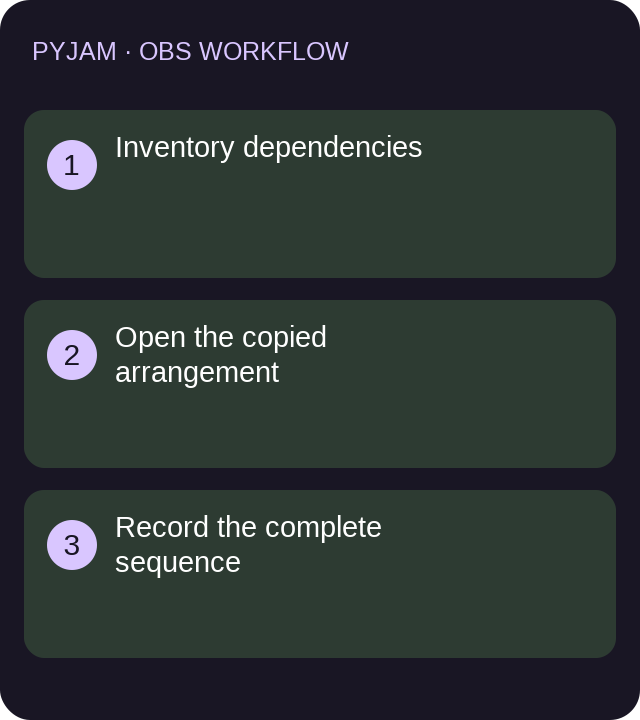
Inventory dependencies
List the images, clips, text files and device sources used by the session. Record their purpose without copying credentials into notes. The OBS source catalogue includes several kinds of input, each with its own dependencies. A scene collection can still refer to material that is absent on another machine. Keep your original working setup intact while preparing a copy for a separate local test.
Open the copied arrangement
Inspect every intended scene on the destination machine or isolated rehearsal setup. Check a recognizable frame and listen to each necessary source. Note missing files or replaced devices explicitly. Do not accept a source merely because its name remains in a list. A silent microphone entry or an empty media box can make the structure look complete while the actual session is still missing essential material.
Record the complete sequence
Rehearse the opening, a media transition and the ending. Check text appearance and the subject's boundaries at the intended output size. Keep a fallback for anything that cannot be reproduced reliably. Treat successful local playback as setup acceptance, then check a destination separately when intentionally transmitting. Do not promise portability until the real dependencies have been inspected in the environment that will run the session.
Transfer checklist
Use dependency, intended role, original location, destination result and unresolved action. Example: title font changed and the final line wrapped over the subject; revise before acceptance. Keep the source setup available for recovery. Store the checklist beside the arrangement without private keys or account tokens, and repeat the relevant checks after replacing a device or moving required media again.
Try the check in Pyjam
Open Pyjam’s preparation route and inspect the available setup before choosing to broadcast. Use the rehearsal above to decide what to check; opening the app alone does not start or confirm a public session.
Prepare a Stream in Pyjam