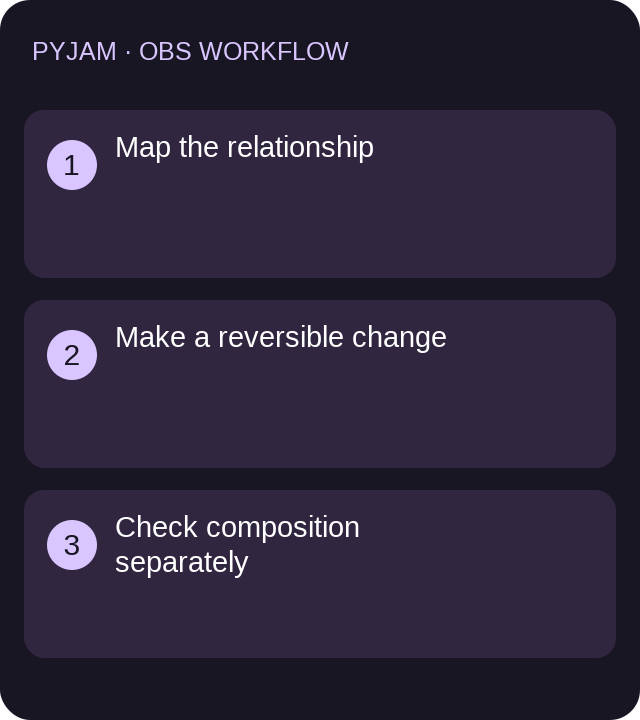
Map the relationship
Identify the source you intend to change and the scenes that use it. The OBS sources guide is the starting reference for source types; inspect the actual source relationships in your own collection. Similar names do not prove two items are independent, and different scene layouts do not necessarily mean the underlying content is separate. Keep a note before editing the only working arrangement.
Make a reversible change
Use harmless test content in a local rehearsal. Change one property, then inspect the other relevant scenes. Record where the change appears and where it does not. Do not assume the previewed scene is the full scope of an edit. Return to the original content before continuing if the effect is wider than intended, and preserve an independent trial arrangement when the views need different behavior.
Check composition separately
Even with shared content, scene placement may need its own inspection. Look for clipped text, hidden edges or a label covering the subject in another view. Record a short sequence through all affected scenes. Keep the source relationship and the visual layout as separate checks so a content update does not get mistaken for acceptance of every composition that happens to display it.
Source relationship sheet
Write source identity, intended edit, scenes inspected, content change and layout result. Example: updated title appeared in both scenes, but the close view cropped its last word. Preserve that distinction. Revisit the map after adding a scene or replacing a source, and keep a simple known scene available while uncertain relationships are being checked.
Try the check in Pyjam
Open Pyjam’s preparation route and inspect the available setup before choosing to broadcast. Use the rehearsal above to decide what to check; opening the app alone does not start or confirm a public session.
Prepare a Stream in Pyjam