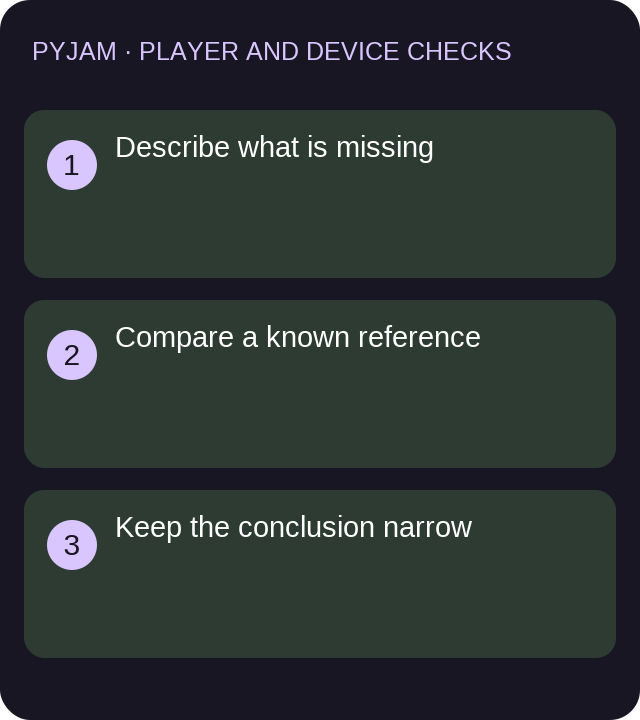
Describe what is missing
Choose a spoken passage and note which side contains the voice, whether music behaves differently and which output device is active. Check the device's normal balance control without assuming it has changed. Preserve the original observation before trying adjustments. A voice heard on one side may come from the source material, the receiving software, the selected device or its connection; the symptom alone does not identify the responsible component.
Compare a known reference
Play a familiar permitted stereo test or another item whose sound you can recognize. Use the same headphones or speakers first. If the reference also loses one side, inspect the receiving path before blaming the creator. If the reference behaves normally, return to the original passage. When appropriate, compare a second available output device, changing only that part. Do not raise volume sharply to compensate for a channel that appears silent.
Keep the conclusion narrow
Report whether the symptom follows the item or the output path in your test. A device accessibility mono option may help combine channels for your own listening, but it does not repair the creator's original recording. Service-specific troubleshooting pages provide supported next steps for their players; do not promise the same controls everywhere. If sending feedback, describe the passage and observed channel rather than making an unsupported claim about the broadcaster's microphone wiring.
Channel comparison table
Use original item, voice side, reference result, output device and change observed. Example: two items lose the left channel through one headset but sound normal through another output. That narrows the investigation to the receiving path. It does not establish which cable, setting or hardware component has failed without another appropriate check.
Try the check in Pyjam
Open Pyjam and choose an available public video. Apply the viewing check above to that item, keeping its live or recorded status in mind. Availability and controls should be checked in the current session.
Explore Live Streams in Pyjam