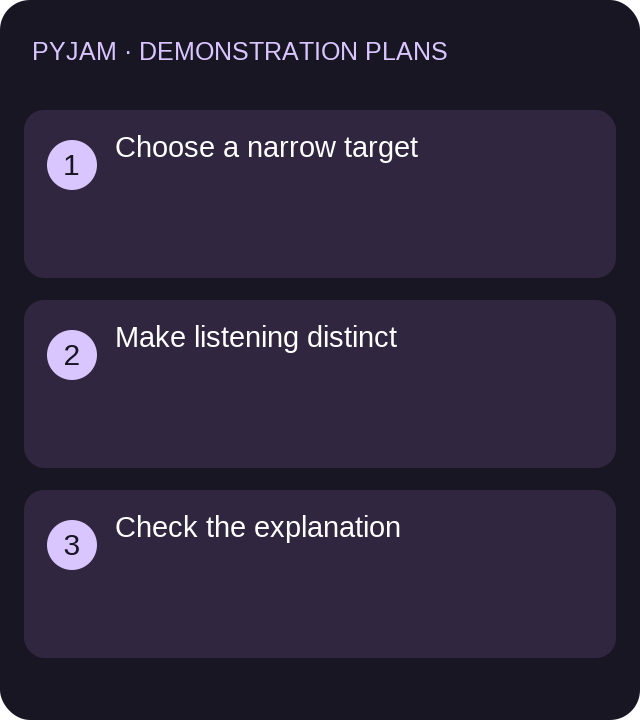
Choose a narrow target
Use a small contrast or phrase appropriate to your competence and audience. Prepare the words and their meaning. Keep a written reference available and verify any phonetic notation before displaying it. Decide what a learner should notice rather than promising a complete accent change. A live video can support practice, but one sample does not establish a diagnosis or a guaranteed learning result for every listener.
Make listening distinct
Say the example naturally, pause and explain the relevant contrast. Keep microphone distance steady and avoid background material that masks the sound. If mouth position is important, show and describe it without relying entirely on a close-up. Invite viewers to repeat only if they wish. Leave a real pause rather than speaking continuously through the time intended for their practice or comparison.
Check the explanation
Ask a helper to identify which contrast you intended from the sample. Keep a correction clear and repeat the original reference when useful. Do not infer that silent viewers failed or that participation proves mastery. Prepare a short follow-up list through an available route, with honest labels for live and recorded material. Keep subject expertise and presentation acceptance as separate questions in the rehearsal notes.
Practice sequence
Write target, example pair, meaning, listening turn, explanation, practice pause and optional follow-up. Example acceptance: a helper hears the intended distinction and knows when to listen versus speak. Mark uncertain examples for linguistic review. Rehearse through the actual audio route, since a clear face picture does not establish that the small sound difference remains audible to the audience.
Try the check in Pyjam
Open Pyjam’s preparation route and inspect the available setup before choosing to broadcast. Use the rehearsal above to decide what to check; opening the app alone does not start or confirm a public session.
Prepare a Stream in Pyjam