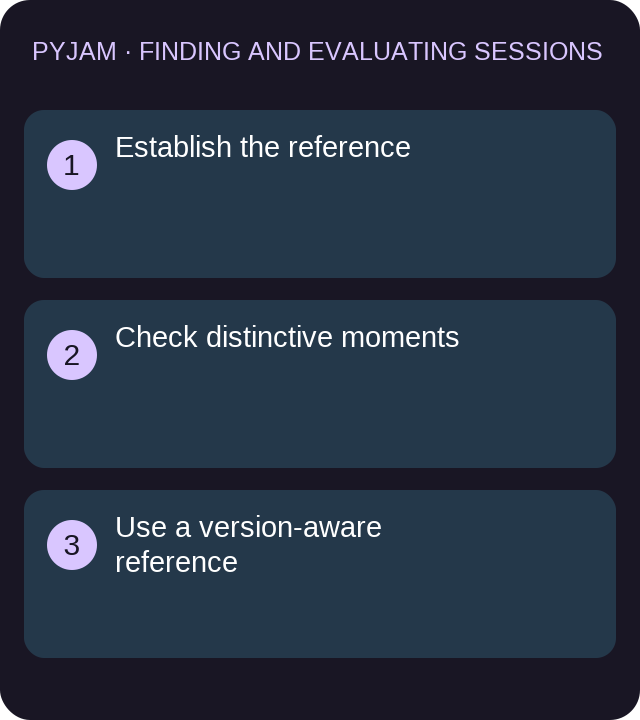
Establish the reference
Note the creator, session date, expected topic and a recognizable opening or demonstration. Compare the candidate's visible publication information and duration without assuming a newer upload is more complete. A title containing full does not establish that every part of the live session remains. Keep any publisher explanation of edits beside the address so a shortened recording is not confused with the original event.
Check distinctive moments
Look for the opening context, a central action and the conclusion using the controls the player permits. If the publisher supplies a transcript or chapters, use them as navigation aids while checking that they belong to this version. Different running times can reflect edits, omitted breaks or a different programme. Do not infer a missing section solely from a changed timestamp when the sequence itself has been edited.
Use a version-aware reference
When taking notes or sharing a passage, include the actual recording address and a short description of the relevant moment. Keep earlier references identifiable if you revise the link later. W3C's transcript guidance helps distinguish textual alternatives from the moving picture; it does not establish that a particular service preserves every replay. If the required section is absent, record the gap and seek the creator's available explanation rather than treating another viewer's extract as the complete event.
Replay identity card
Use creator, event date, recording address, duration, distinctive moment and edit note. Example: a highlight includes the final result but omits the setup that explains it. Link it as a highlight. Reserve the complete-session label for a recording whose relevant beginning, sequence and ending you have actually checked.
Try the check in Pyjam
Open Pyjam and choose an available public video. Apply the viewing check above to that item, keeping its live or recorded status in mind. Availability and controls should be checked in the current session.
Explore Live Streams in Pyjam