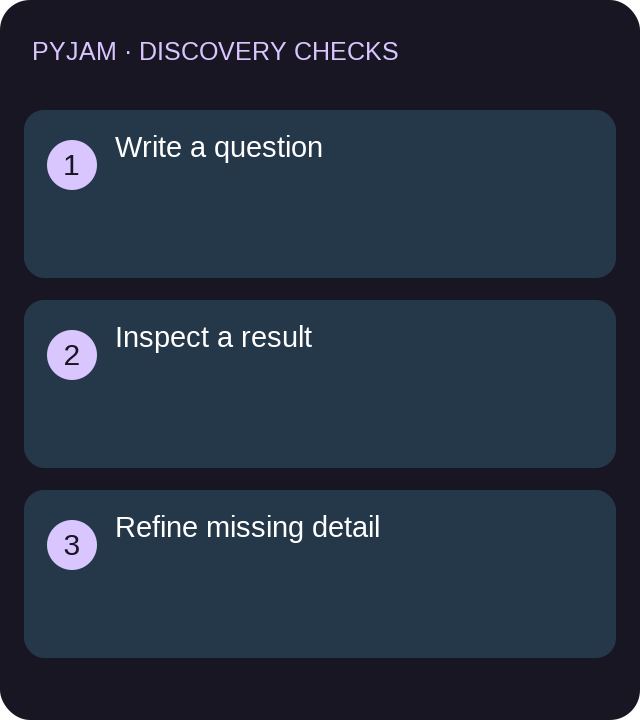
Write a question
Choose one craft stage or subject detail rather than an entire category. Add spoken language and live or replay preference. A phrase guides discovery but cannot guarantee content or regional access. Decide acceptable alternatives beforehand. This helps distinguish an unsuccessful search from a useful item that answers the question through a recording rather than the live format originally imagined.
Inspect a result
Use available search, channel or discovery controls. Read title and description, then a representative section. Verify subject and status inside the item rather than trusting snippets. Live can remain in an old title. Check the explanation addresses the question, not just a related term, before deciding that a search result has fulfilled the purpose of the visit.
Refine missing detail
Add activity or object instead of unrelated platform names. Inspect related items from useful creators. Note helpful wording. One unsuccessful query does not prove an empty catalogue. Another navigation route may work better. Keep the result tied to that attempt instead of publishing a broad absence claim based on an interface that may not expose every relevant recording.
Viewing brief
Write question, detail, language, status preference, alternative and result found. Example: English paper-folding explanation, replay acceptable. Success is understanding, not opening a list. Keep the selected item so you can check the brief against actual viewing instead of declaring success from the wording of a search alone.
Try the check in Pyjam
Open Pyjam and choose an available public video. Apply the viewing check above to that item, keeping its live or recorded status in mind. Availability and controls should be checked in the current session.
Explore Live Streams in Pyjam