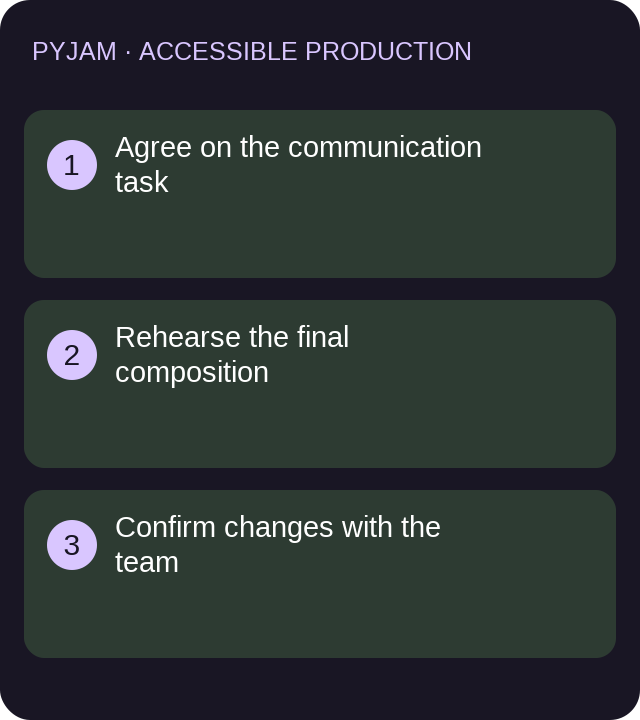
Agree on the communication task
Identify the sign language, intended audience, contribution and responsible people. Do not assume that spoken English implies one universal sign language or that captions replace the same need. Ask the signer what framing and working conditions the contribution requires. Prepare a view with sufficient relevant movement space and an appropriate background rather than imposing a small portrait crop before discussing the content.
Rehearse the final composition
Use the intended picture arrangement, captions and any other overlays in a private test. Have the signer check whether hands, facial expression and movement remain visible through the complete contribution. Inspect the actual receiving size, including the smallest priority view. A full camera preview is not enough when the composed layout scales the contribution down or places essential signing information behind a label.
Confirm changes with the team
If the layout, lighting or contribution length changes, review the relevant section again. Keep transitions clear and avoid switching away while the contribution is still conveying information. Record the agreed presentation requirements and the tested result. This planning guide does not establish that Pyjam offers a separate sign-language video track, selectable interpreter window or built-in interpreting service.
Signing-layout review
Write intended language, agreed framing, tested composition, receiving size, overlays and signer's feedback. Example rejection: a lower label hides hand movement during part of the passage. Revise the composed view and ask the responsible team to inspect the new sample. Keep communication needs ahead of a preferred decorative layout.
Try the check in Pyjam
Open Pyjam’s preparation route and inspect the available setup before choosing to broadcast. Use the rehearsal above to decide what to check; opening the app alone does not start or confirm a public session.
Prepare a Stream in Pyjam