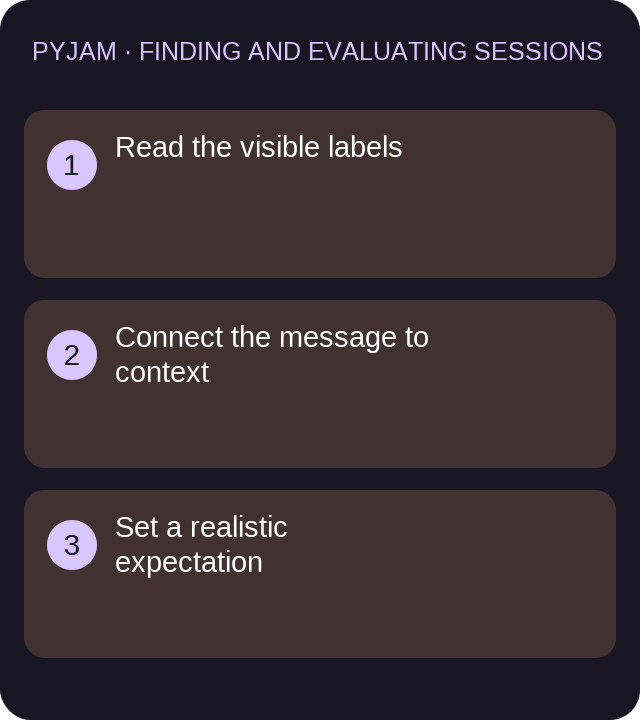
Read the visible labels
Identify whether the page calls the discussion live chat, comments or chat replay. Note the programme's current live or recorded state separately. A message list beside a video is not proof that its participants are present now. Look for the platform's actual labels and time references instead of assuming a moving message panel represents a current conversation with the presenter.
Connect the message to context
Read a small passage and check whether it follows the recording's timeline or ordinary publication order. A replayed question may have been answered later in the original session. A new comment on an old recording may never be seen by the original speaker. Do not post a test message or contact other viewers just to establish the type of surface. Use the visible controls and publisher guidance to understand what the page offers.
Set a realistic expectation
When seeking clarification, choose the creator's supported route and describe the recording moment clearly. Do not promise a live reply from an archived conversation. YouTube documents its own live chat feature; the terms and available controls of another service need separate inspection. Preserve the distinction between reading earlier conversation, submitting a comment and participating during a current stream. Understanding that boundary helps you choose a session that fits the interaction you want.
Conversation-type note
Record programme state, discussion label, message timing and expected response route. Example: a chat replay follows an earlier broadcast while current comments appear below the recording. Read each in its own context. A visible question beside the player does not establish that the presenter is available to answer it in the current viewing session.
Try the check in Pyjam
Open Pyjam and choose an available public video. Apply the viewing check above to that item, keeping its live or recorded status in mind. Availability and controls should be checked in the current session.
Explore Live Streams in Pyjam