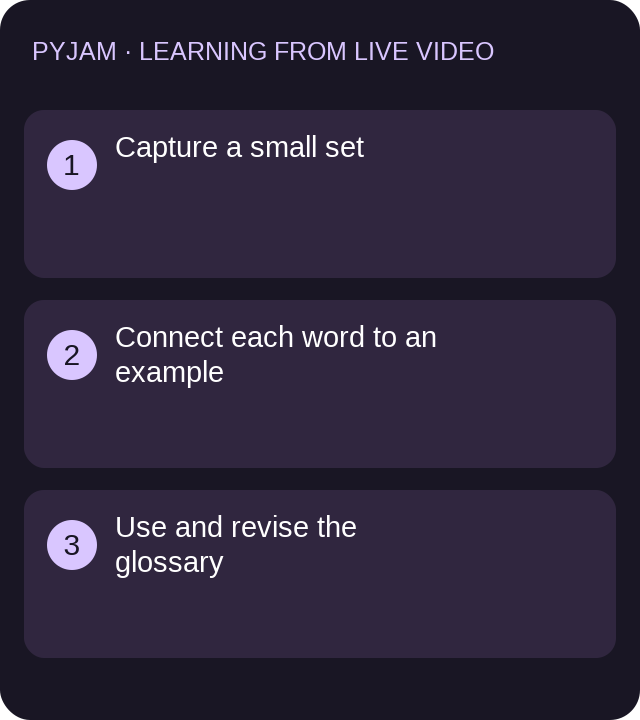
Capture a small set
Write only the terms that block your understanding of the current lesson. Add the programme address and a recognizable moment. Preserve uncertain spelling rather than guessing from automatic captions. Separate an abbreviation from the full term when the presenter supplies it. Avoid trying to transcribe every unfamiliar word while the essential demonstration continues; that can interrupt the understanding the glossary is meant to support.
Connect each word to an example
Describe what the term refers to in this particular explanation. Note a contrasting term if the presenter distinguishes two choices. Look for the creator's available transcript or a suitable primary reference to confirm spelling and scope. A term used informally in one stream may have a narrower meaning in technical documentation. Do not turn a convenient paraphrase into an official definition without checking the appropriate source.
Use and revise the glossary
Explain one demonstrated step using the checked terms in your own sentence. If the sentence still feels vague, return to the underlying concept instead of memorizing a label alone. Keep personal learning notes separate from a published quotation or professional advice. W3C discusses transcripts as textual access to media, but does not guarantee a transcript exists for every platform or session. A missing text route is a gap to record, not permission to invent what the presenter said.
Personal glossary template
Use term, spelling confidence, lesson context, own explanation, example and checked reference. Example: two settings sound similar but affect different parts of the picture. Record the distinction with the moment that demonstrates it. Revisit the entry when a later session uses the same word differently rather than silently merging incompatible meanings.
Try the check in Pyjam
Open Pyjam and choose an available public video. Apply the viewing check above to that item, keeping its live or recorded status in mind. Availability and controls should be checked in the current session.
Explore Live Streams in Pyjam