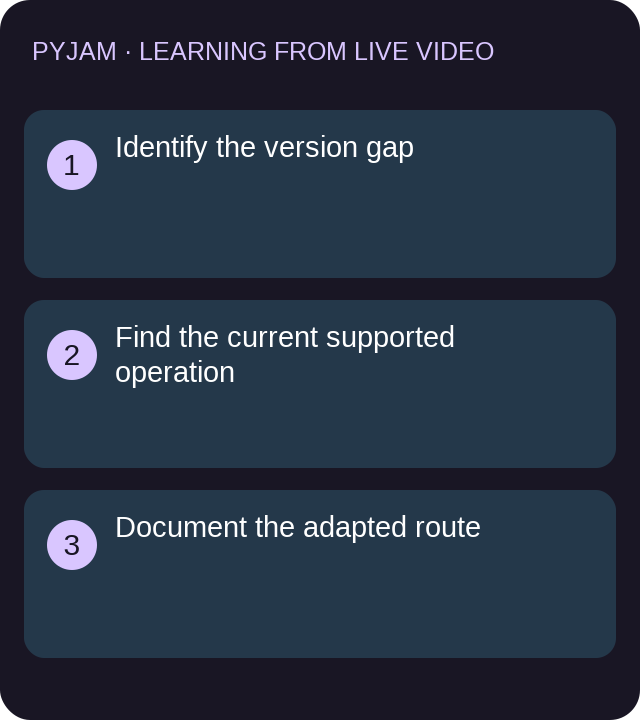
Identify the version gap
Record the application's name and version shown by the presenter when available, then note your own version through its normal information screen. Distinguish a different operating system from a different release. Do not assume that an old publication date proves every instruction obsolete, or that a recent upload necessarily uses the current interface. Identify the exact step where the visible controls begin to differ.
Find the current supported operation
Use the software vendor's documentation or current in-product help for the operation you need. Compare the purpose, inputs and expected result with the lesson. A similarly named command can have a different scope, so inspect its description before applying it to important work. Keep a harmless representative example for practice where appropriate. Avoid installing an unknown old build or weakening protections merely to make your screen resemble the recording.
Document the adapted route
Write the checked current control and the result you actually observed. Keep the lesson's original instruction identifiable rather than rewriting history as though it showed your version. If the feature has changed materially or disappeared, choose a current explanation. This is a method for following instructional media, not a claim that Pyjam provides version-specific software support. Preserve the distinction between understanding the lesson's goal and validating a current procedure on your own machine.
Version comparison sheet
Use lesson version, local version, differing step, vendor reference, current route and observed result. Example: a command moved to another panel but still produces the checked sample output. Record the verified route. If the result differs, leave the adaptation unresolved rather than assuming a renamed control is functionally identical.
Try the check in Pyjam
Open Pyjam and choose an available public video. Apply the viewing check above to that item, keeping its live or recorded status in mind. Availability and controls should be checked in the current session.
Explore Live Streams in Pyjam