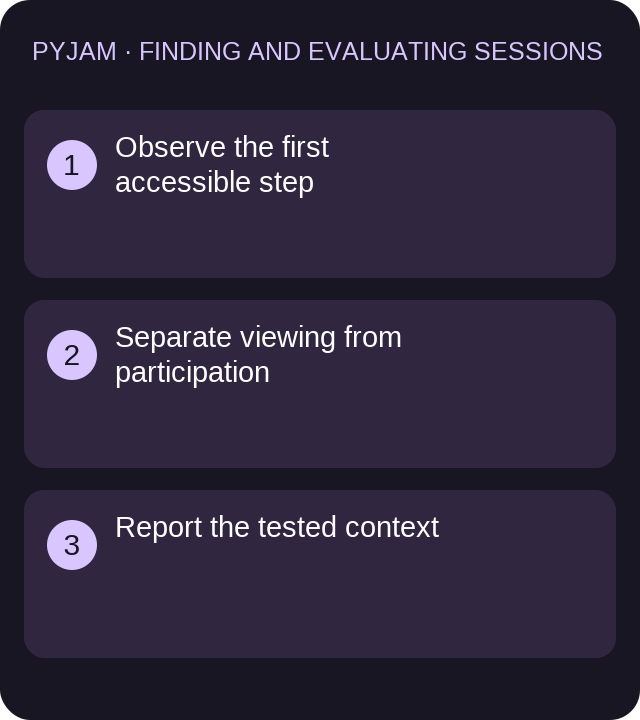
Observe the first accessible step
Open the intended public address through the ordinary supported route. Note whether you can read the title, see a preview and intentionally start the video. A visible cover or an application shell is not proof of successful viewing. Keep any sign-in prompt tied to the action that produced it instead of summarizing the entire service as account-free or account-only from one screen.
Separate viewing from participation
Check only the actions you actually need and are authorized to perform. Reading a programme description, watching a permitted stream, posting a message and following a creator are different tasks. Do not create an account, accept terms or grant permissions merely to test a general statement. If the service asks for access you do not intend to provide, stop at that boundary and record it accurately. Preserve restrictions rather than seeking an unofficial viewing workaround.
Report the tested context
State the item, device or browser, observed account state and precise step that was available. A returning session may contain an existing account even when no sign-in form is visible. Service help can explain supported routes, but does not prove what occurred in your own browser. Avoid recommending private-mode changes or credential resets as a way to label the service anonymous. The useful outcome is a clear account boundary for this visit, with untested steps left unknown.
Access-boundary sheet
Record page opening, video start, conversation access, account state and actual prompt. Example: the title is public but pressing the participation control asks for sign-in. That establishes a participation boundary. It does not prove that playback requires the same step or that a visitor with no existing account will see identical behaviour.
Try the check in Pyjam
Open Pyjam and choose an available public video. Apply the viewing check above to that item, keeping its live or recorded status in mind. Availability and controls should be checked in the current session.
Explore Live Streams in Pyjam