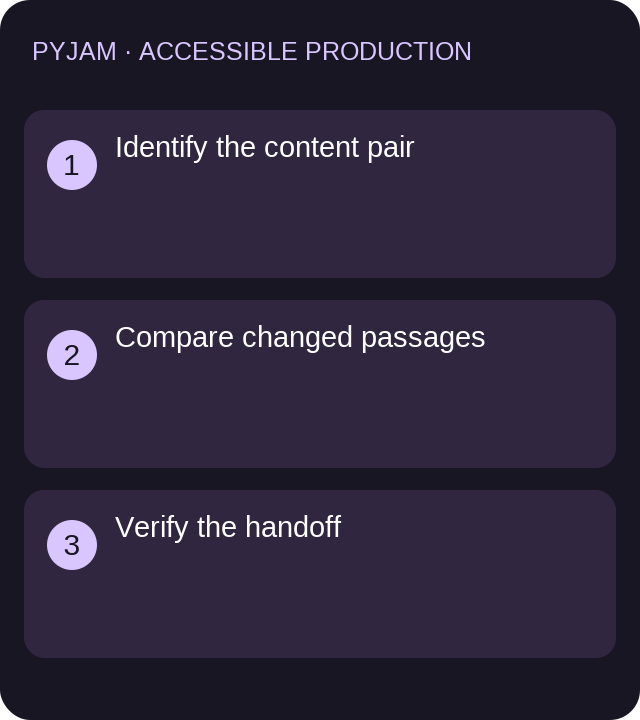
Identify the content pair
Give the video and transcript clear version references in your production records. Note the opening phrase, ending and any edited sections. Keep draft text distinguishable from a reviewed copy. A transcript supplies an alternative way to follow content, so it needs the same factual corrections as the video and any necessary visual descriptions rather than merely retaining the words from an earlier take.
Compare changed passages
After an edit, inspect the transcript around each removed, inserted or reordered segment. Check speaker identity, numbered steps, references to shown material and the final result. Read the surrounding text so a deletion does not leave a dangling instruction such as repeat the previous step when that step is now absent. Record corrections precisely enough that a reviewer can compare the same passage with the intended replay.
Verify the handoff
Open the files or links that the receiving person will actually get. Confirm the pair and provide an accessible, readable text presentation through the chosen workflow. Keep a short change record for later corrections. Do not label an old transcript current because its title matches the session; a matching subject is not proof that the sequence and information correspond to the published edit.
Transcript handoff card
Write video version, transcript version, reviewed changes, opening cue, ending cue and approval status. Example: the video removes an incorrect measurement but the text still contains it. Correct the content pair before handoff and retain the earlier version separately for production history rather than silently overwriting the evidence of the change.
Try the check in Pyjam
Open Pyjam’s preparation route and inspect the available setup before choosing to broadcast. Use the rehearsal above to decide what to check; opening the app alone does not start or confirm a public session.
Prepare a Stream in Pyjam