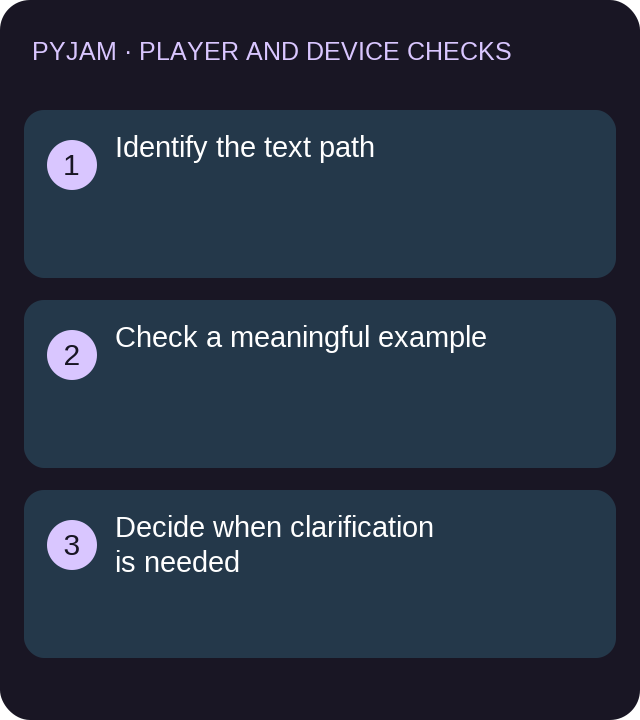
Identify the text path
Read the available caption menu and distinguish the original caption language from an offered translation. Note whether the base text is identified as automatic. A translated layer can inherit an earlier recognition error. Keep the programme's spoken language separate from the website's menu language; an English interface can still carry speech in another language and a translation that omits a useful distinction.
Check a meaningful example
Choose a short passage containing an action and a specific object, amount or name. Compare the translated sentence with the visible demonstration and any publisher-provided text. Pause a replay when permitted so you can inspect the sequence. With a live session, retain uncertainty rather than pretending the translation has been verified instantly. Do not repeatedly change languages without recording which version produced the confusing wording.
Decide when clarification is needed
Use the translation to follow the general discussion, but seek an authoritative clarification when a term determines the next step. Another viewer's paraphrase is not automatically the presenter's intended instruction. YouTube documents its own caption controls; availability must be checked on the current item and does not establish Pyjam support. If no useful text route is offered, choose a different available learning resource rather than claiming that every broadcast can be translated reliably.
Translation reading note
Record spoken language, base caption label, translation language, uncertain phrase and checked reference. Example: the text names the wrong side of an object while the demonstration points to the opposite edge. Hold the action until the instruction is clear. A fluent-looking sentence alone is insufficient evidence of an accurate translation.
Try the check in Pyjam
Open Pyjam and choose an available public video. Apply the viewing check above to that item, keeping its live or recorded status in mind. Availability and controls should be checked in the current session.
Explore Live Streams in Pyjam