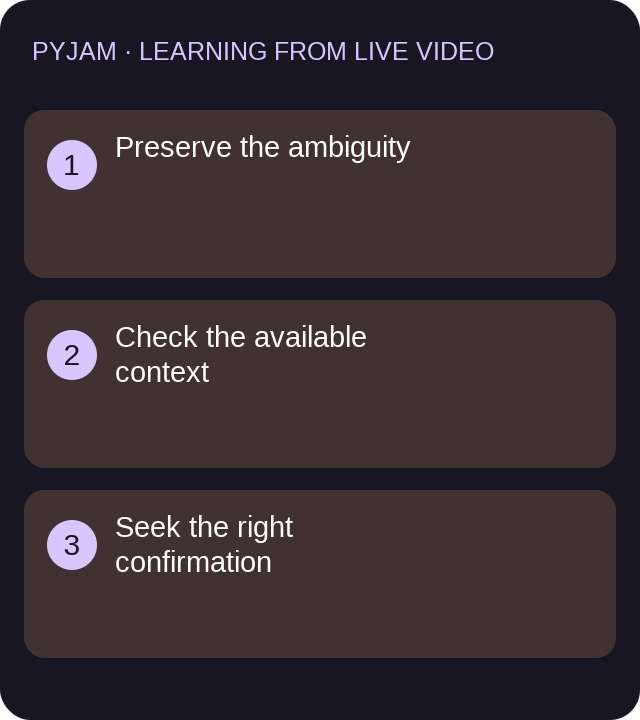
Preserve the ambiguity
Record the programme, moment and the number you could not establish. Distinguish the spoken phrase, visible display and caption wording. They may disagree. Do not select whichever value looks most convenient or infer a missing unit from the lesson title. Keep illustrative figures separate from measurements the presenter claims to have made during the demonstration.
Check the available context
Use permitted replay controls to inspect the preceding explanation and any publisher-supplied text. Listen again at a comfortable level and check whether the unit or reference point appears elsewhere. Automatic captions can misrecognize numbers, names and specialist vocabulary. A larger receiving view may help with a visible scale, but cannot recover detail absent from the transmitted picture. Avoid repeatedly enhancing a screenshot and then treating a guessed digit as certain.
Seek the right confirmation
When the number determines a consequential action, use an appropriate authoritative reference or ask for clarification through the supported route. Do not apply an uncertain figure to a medical, financial, technical-safety or other significant decision based only on a general stream. W3C's caption guidance explains the need to convey meaningful audio, but it does not validate a particular caption track. Record the confirmed value only after the relevant ambiguity has actually been resolved.
Uncertain-value log
Write spoken candidate, visible candidate, caption candidate, missing unit and confirmation source. Example: the caption reads fifteen while the display is too blurred to distinguish it from fifty. Keep both possibilities unresolved. A fluent sentence or familiar measurement range does not establish which value the presenter actually intended in that passage.
Try the check in Pyjam
Open Pyjam and choose an available public video. Apply the viewing check above to that item, keeping its live or recorded status in mind. Availability and controls should be checked in the current session.
Explore Live Streams in Pyjam