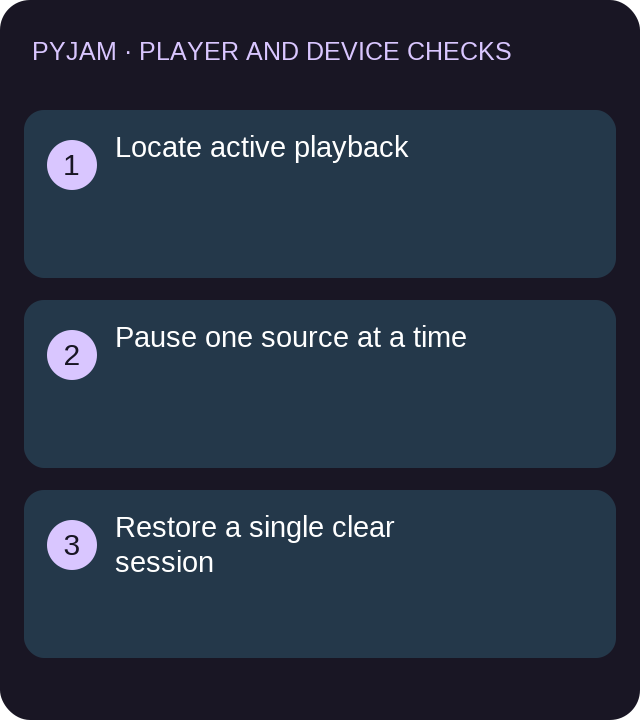
Locate active playback
Look at the browser's visible audio indicators and the applications you intentionally opened. Keep the stream you want identifiable by its title and address. A hidden floating video window or a second copy of the event can remain audible. Do not close unrelated work or clear browsing data to solve the problem. Start by identifying the sources already visible through the browser's normal interface.
Pause one source at a time
Use the ordinary pause or mute control for an extra copy and listen to the intended session. If the doubled speech disappears, record which receiving copy caused it. If it continues with one known source, investigate the current player or the broadcaster's sound separately. Keep the test short and reversible. Muting the entire device makes the echo disappear too, but does not help distinguish which session produced the duplicated speech.
Restore a single clear session
Keep only the playback arrangement you need, returning to the live edge through a supported control if appropriate. A second tab may have fallen behind while the first remained current. Do not treat the same account's multiple windows as independent confirmation that viewers receive an echo. If feedback is necessary, include the one-source test outcome and a recognizable passage. That makes the report more useful than an assumption about the creator's microphone monitoring or streaming software.
Duplicate-sound log
Write intended tab, other audible source, paused control and resulting sound. Example: speech becomes clear when an older event tab is paused, while the current picture keeps moving. This supports a duplicate receiving-session explanation. It does not establish that the broadcaster's production setup needs an audio routing change.
Try the check in Pyjam
Open Pyjam and choose an available public video. Apply the viewing check above to that item, keeping its live or recorded status in mind. Availability and controls should be checked in the current session.
Explore Live Streams in Pyjam