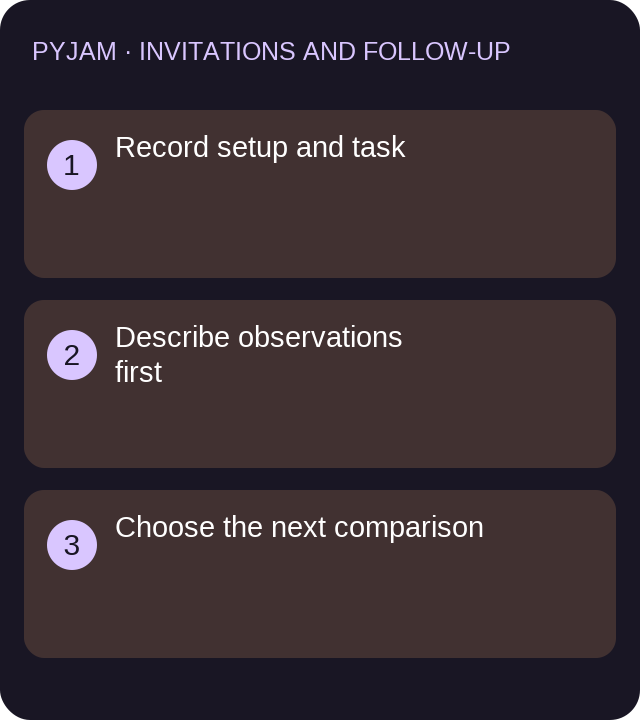
Record setup and task
Write the viewing link, approximate time, device, browser or app and task. Examples include selecting an item or hearing an instruction. Omit credentials and unrelated personal details. State whether content was live or recorded. A useful task is observable: finding a video and starting its playback are different checks, even when the interface places their controls close together.
Describe observations first
Write that picture stopped while sound continued, or a control overlapped text. Put suspected cause separately. One success does not prove universal compatibility; one failure does not prove an outage. Preserve disagreements so they can be investigated. Include the exact visible message when possible instead of translating it into an unsupported technical diagnosis that loses the original evidence.
Choose the next comparison
Change one variable, repeat the task and record the outcome. Mark unresolved points. In Pyjam, distinguish opening the app, selecting content, starting playback and preparing a broadcast. Do not treat a link click as a completed viewing session. Keep the earlier note so a later success does not erase a failure that still needs explanation, and date each observation clearly.
Try the check in Pyjam
Open Pyjam’s preparation route and inspect the available setup before choosing to broadcast. Use the rehearsal above to decide what to check; opening the app alone does not start or confirm a public session.
Prepare a Stream in Pyjam