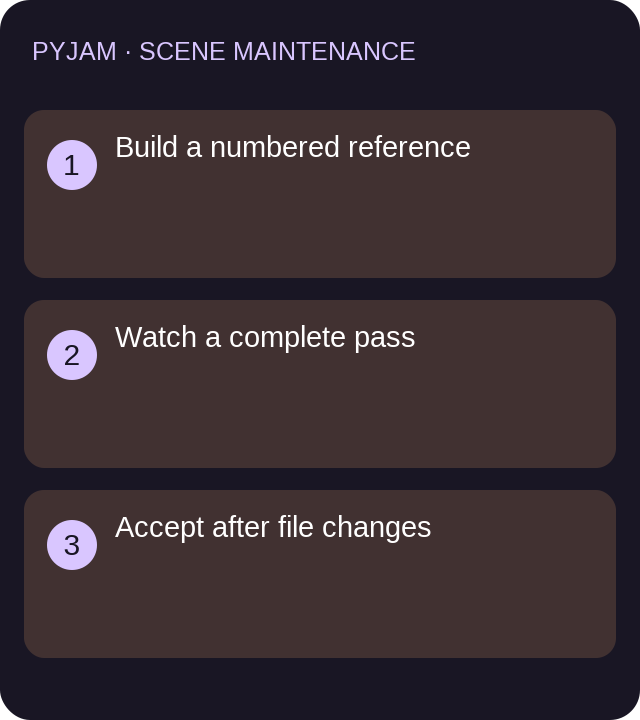
Build a numbered reference
List the intended images in the order the explanation requires. Use filenames or a private reference sheet that distinguishes visually similar stages. Inspect the slideshow source's available file and ordering options in your installation. Keep a stable beginning and ending for the rehearsal. Do not assume alphabetical filenames, a folder view and the source's current playback order necessarily describe the same sequence.
Watch a complete pass
Run through the actual source and say the expected step number aloud as each image appears. Record the rehearsal so a mismatch can be located. Check for missing stages, duplicates and an unexpected return to the beginning. Include the move from the final slide back to the presenter. Inspect the composed picture as well as the source's file list, because an image can be present but cropped into an unhelpful view.
Accept after file changes
If you replace or move an image, repeat the relevant sequence and verify the next step too. Keep the reference aligned with the files used by the source. A correct earlier rehearsal does not establish that a revised folder contains the same material. Prepare a simple manual alternative when the sequence is essential and automatic progression does not provide a reliable cue for the explanation.
Sequence check card
Use intended step, filename, observed position, missing detail and next expected image. Example: steps three and four are reversed even though every file loads. Correct the order and record a new full pass. Mark the approved sequence by its actual files and observations rather than by the folder's informal name alone.
Try the check in Pyjam
Open Pyjam’s preparation route and inspect the available setup before choosing to broadcast. Use the rehearsal above to decide what to check; opening the app alone does not start or confirm a public session.
Prepare a Stream in Pyjam